4
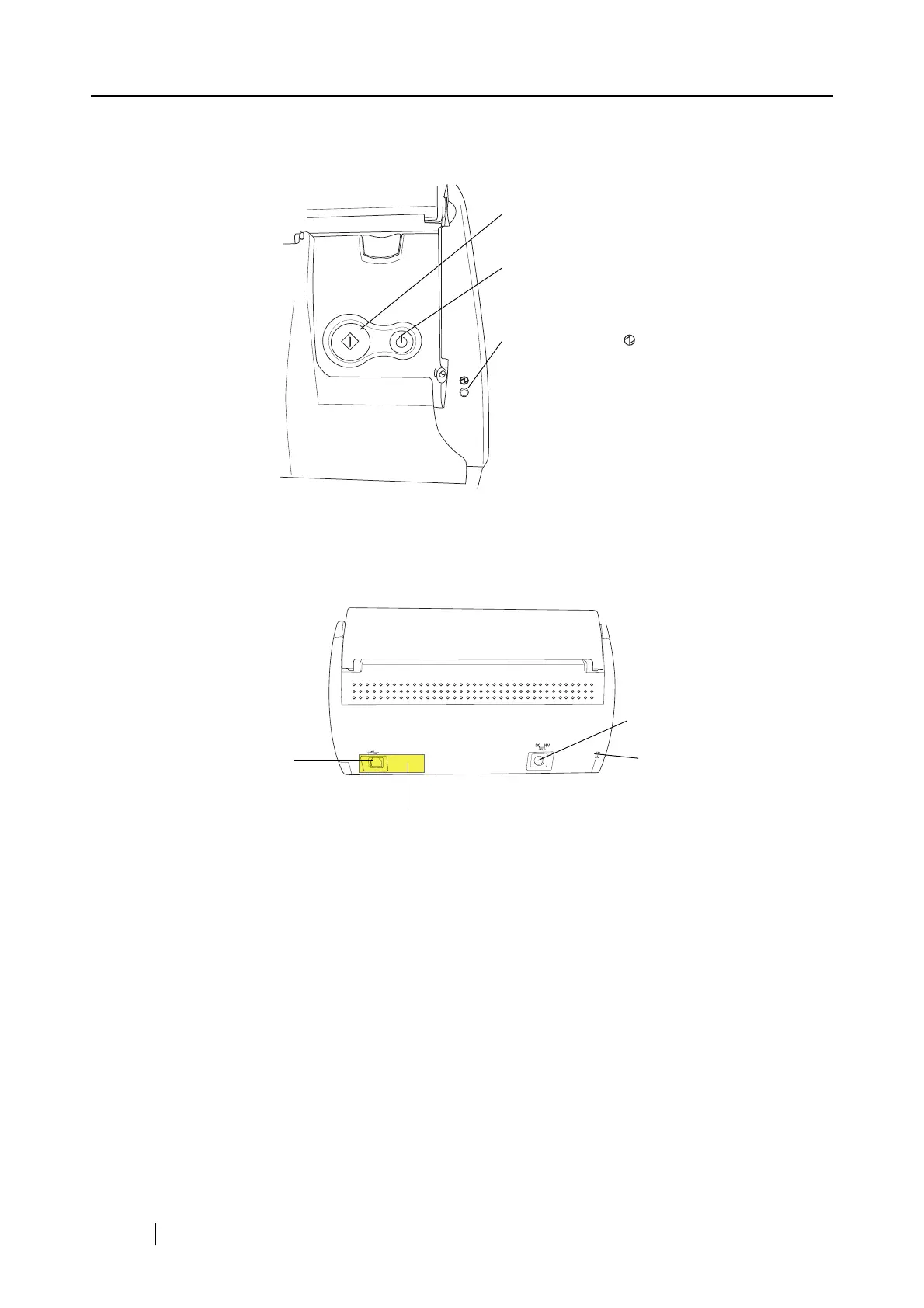
■ Operation Button
■ Rear View
SCAN
POWER
[SCAN] button
Press this button to start the scanning.
[POWER] button
Turns on/off the power.
Power indicator
Indicates the power status of the scanner.
Blue (Solid): Ready
Blue (Blinking): Scanning
Orange (Solid): Error
Light off: Power off
Seal (reminds you that the supplied software
has to be installed first)
After installing the software, remove this seal.
USB connector
AC adapter connector
Security cable slot
Plug a commercially
available security cable
into this slot (anti-theft).



 To Next Page
 Loading...













