4
50
User Manual
Use of the Device in Various Network Scenarios
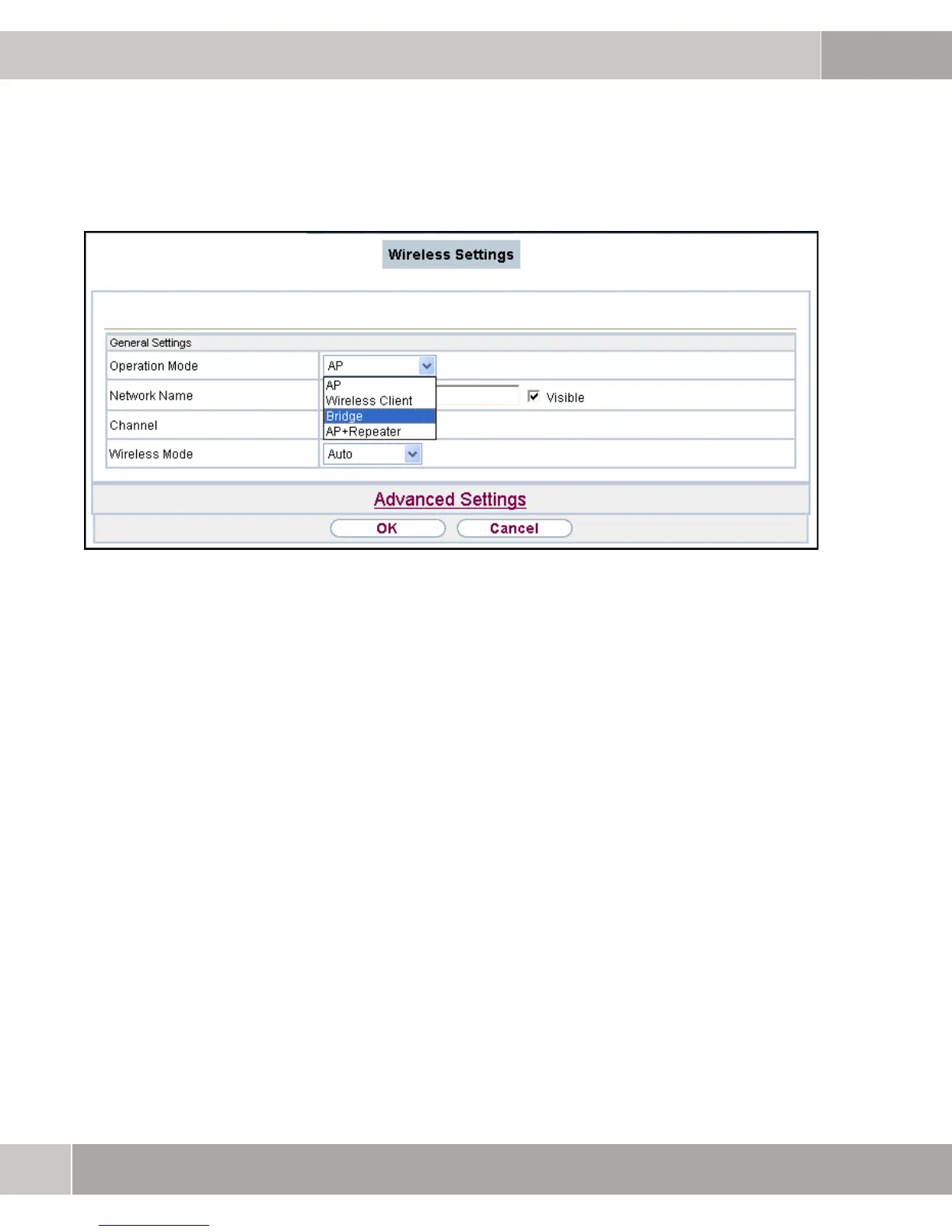
Figure 4-4: Setting Operation Mode
4.1.4 Advanced Settings / Setting MAC Address
After setting the CHANNEL and activating RADIO (ADVANCED SETTINGS) the MAC
address of the second bridge, with which the connection is to be established,
has to be specified. In turn, the bridge mode is also selected on the second
W500 and the MAC address of the first bridge is specified. Confirm with OK.



 To Next Page