4
58
User Manual
Use of the Device in Various Network Scenarios
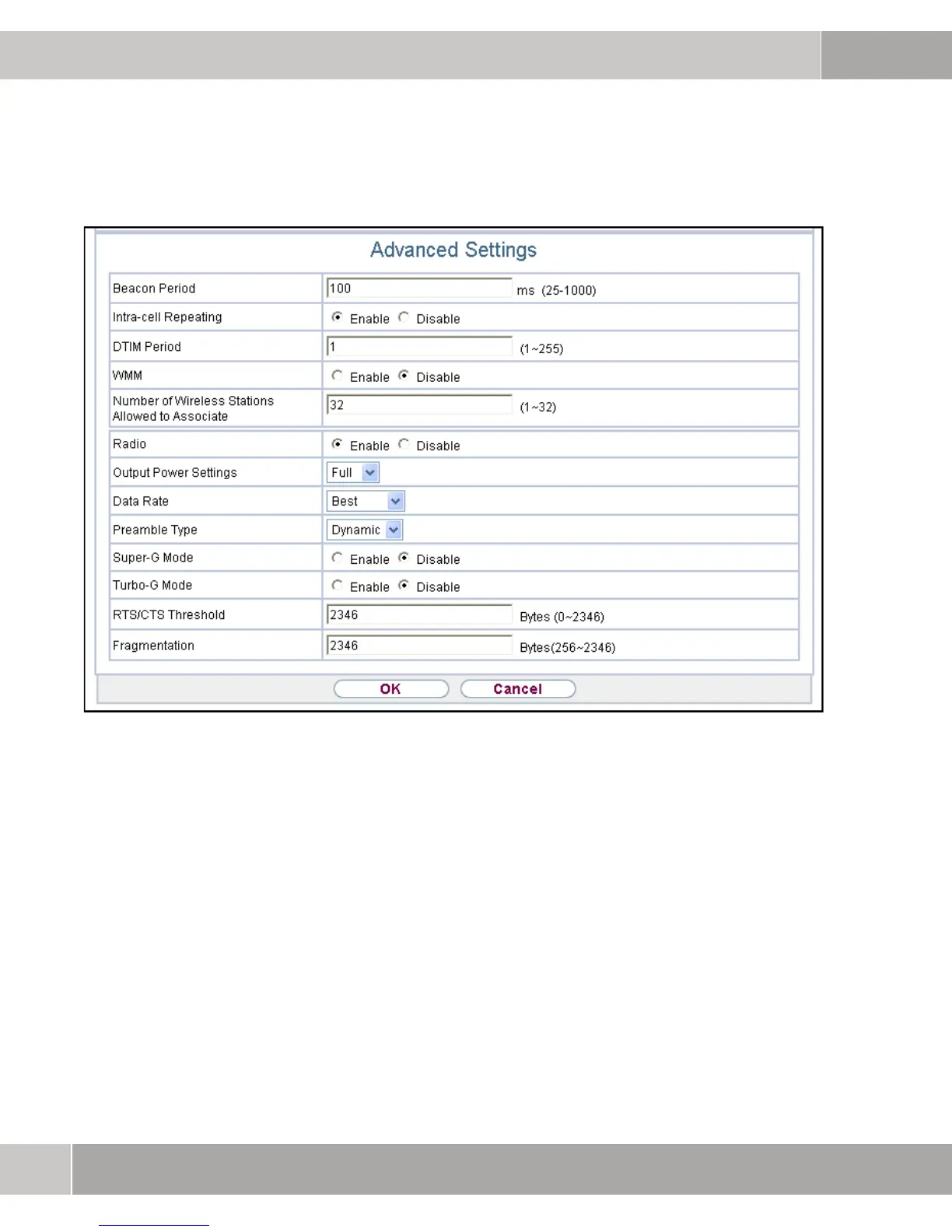
Figure 4-12: Enabling Radio
4.2.4 Setting the Security Mode
In order to achieve an encrypted WLAN connection to the clients, the encryption
type must be selected in the Security menu item. In this example, the encryption
method
WPA2-PSK is selected.



 To Next Page