4
52
User Manual
Use of the Device in Various Network Scenarios
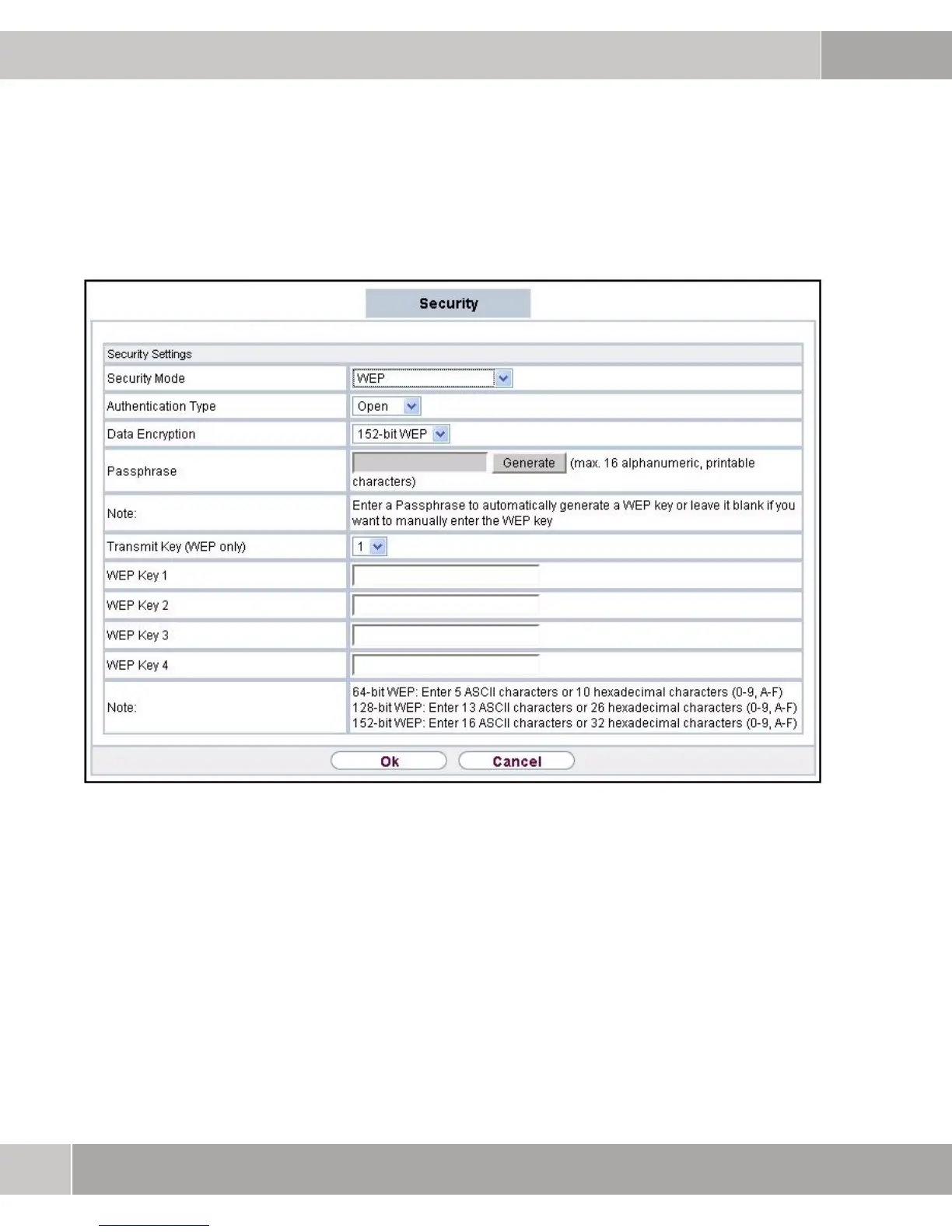
able WEP key (default key is WEP KEY 1) must be configured. Follow the
instructions on the screen. Confirm with OK.
Figure 4-6: Security Mode
4.1.5 Checking Status
On the Status page (menu item STATUS in the navigation bar) the operation
mode entries and the WLAN status show that the configuration of the bridge and
establishment of the connection to the second bridge was successful.



 To Next Page