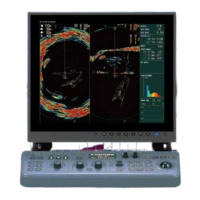
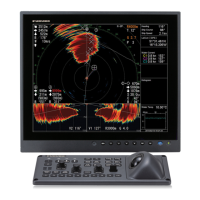
3. POST INSTALLATION SETTINGS
3-3
3.2 How to Set Up the Transducer
To display the distance which the transducer is protruded, the limit switch location
must be entered at the processor unit.
To conduct this setting, the transducer must be at full protrusion.
Note: “Select” means move the cursor, using the trackball. Then, when highlighting a
menu option, click the left button on the trackball to select the highlighted item.
1. Press the MENU/ESC key to open the menu. The main menu window will be
displayed.
2. Select [Others] to display the [Others] menu.
3. Select [Initial Settings] to display the confirmation dialog pop-up window. Left click
[Changeable] in the pop-up window to display the [Initial Settings] menu.
4. Select [Reg. TD Pos.]. The TD position registering window will be displayed with
the message "TD position Registering 1/4".
5. Select [Next]. The TD position registering window will now display the message
"TD position Registering 2/4".
The Mid-length protrusion length is calculated by subtracting 336 mm from the
total retraction tank length. The default vale for Mid-length protrusion is 876 mm.
Therefore, if the retraction tank length is 1212 mm, the mid-length setting does not
need adjusting.
6. Select [Next]. The TD position registering window will now display the message
"TD position Registering 3/4".
7. Press the key, then, when the transducer is at full protrusion, left click [Next].
The TD position registering window will now display the message "TD position
Registering 4/4".
8. Select [Next] to complete the registration.
9. Press the key to retract the transducer.
10. Select [Quit] to close the menu.


 To Next Page