TECDIS Installation Manual Page 64
Chapter 6: Checklists regarding installation
6.1 Checklist prior to completion of TECDIS installation
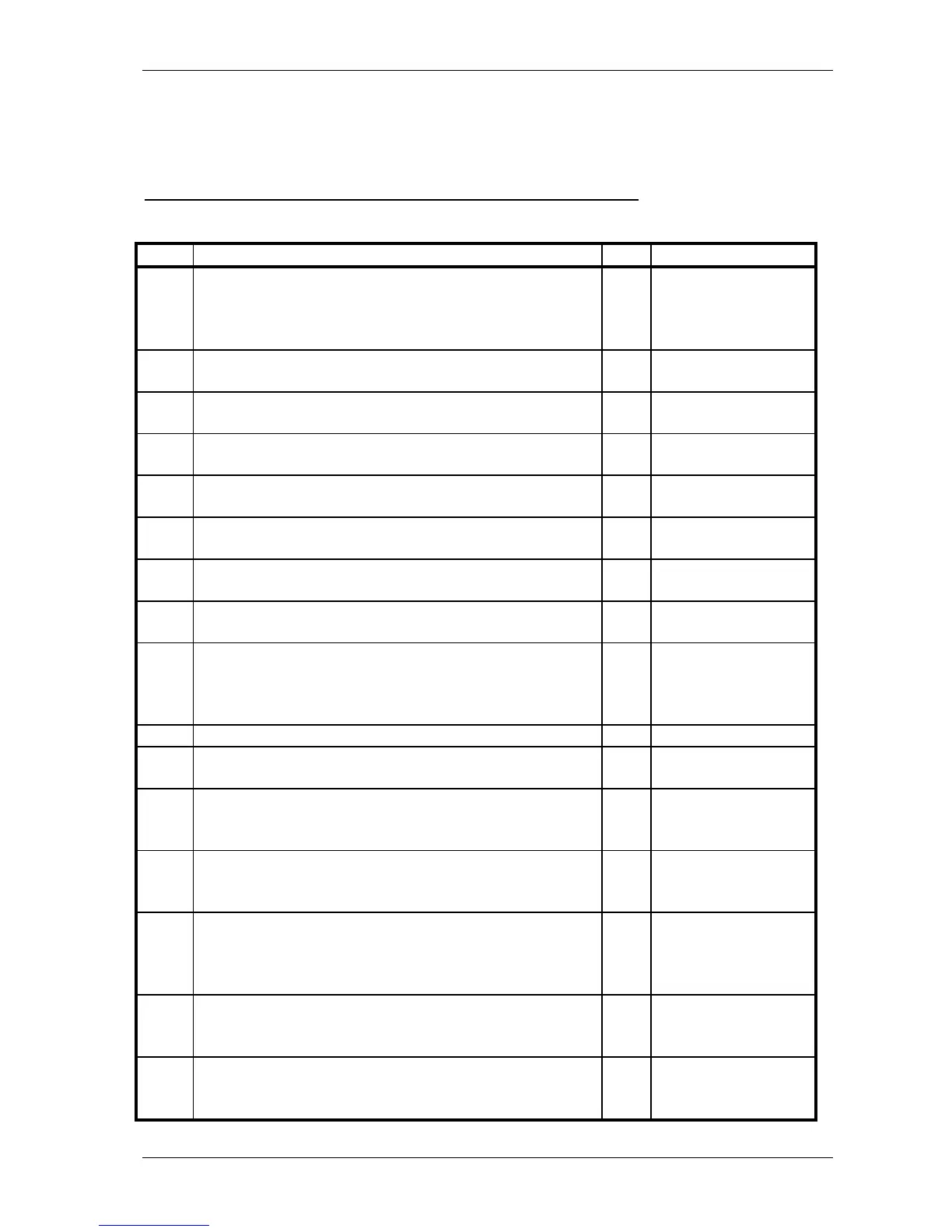
Item: Task to be performed: OK: Comments
1
Verify that all selected ports are receiving/transmitting
data, and that ports have been given names on both
main and back-up TECDIS. Names shall be according
to the data they are receiving/transmitting.
2
Verify that sensor data is correctly distributed between
main and back-up TECDIS (NMEA server program).
3
Verify that one single action do not result in loss of
position on both main and back-up TECDIS.
4
Verify that main and back-up TECDIS and respective
equipment are connected to a proper UPS.
5
Verify that boat size are correct compared to chart on
both main and back-up TECDIS.
6
Perform monitor color calibration on main and back-up
TECDIS.
7
Verify that alarm function on both main and back-up
TECDIS is working properly.
8
Check that TECDIS transmits alarm to external
systems.
9
If installed, verify generation of conning picture and
correct display of sensor data on conning monitor
(check against engine telegraph, speed repeaters, gyro
repeaters etc)
10 Verify audible signal from alarm speaker on TECDIS
11
Verify sensor data (correct size of vessel etc) is filled in
on main and back-up TECDIS.
12
Verify that back-up of default setup values have been
performed (save setup default values) on main and
back-up TECDIS.
13
Verify that installed charts have been correctly installed
on both main and backup TECDIS (if installed), and
that charts license matches.
14
Unplug TECDIS USB-key, restart TECDIS to verify it
starts up in normal mode (chart program starts
automatically) and boat symbol and sensor data are
displayed.
15
If connected to internet, verify that a switch is available
to disconnect TECDIS from internet when the
connection is not in use.
16
Fill in hardware/software fact sheet and file it in ships
documents, in technician personal files and send a copy
to Furuno Norway or Telko AS.










 To Next Page