TECDIS Installation Manual Page 66
6.2 Checklist prior to completion of TECDIS TCS and TECDIS AW
installation
If installation includes Track Control functionality, the following tests must be performed.
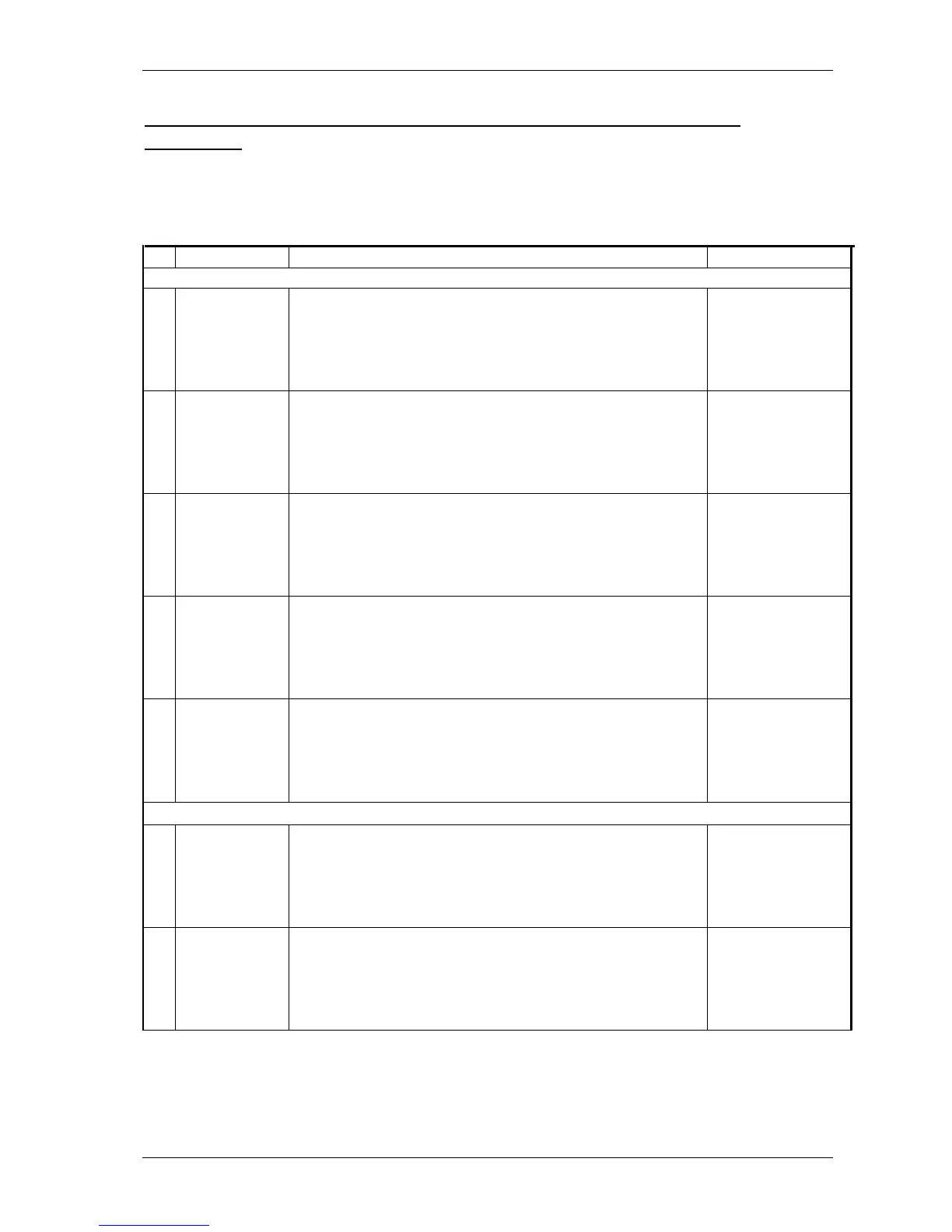
TECDIS 1 and 2
No.
Function
Requirement
Results
Harbor Acceptance Test (15 minutes)
1 External data
Go to setup menu and verify NMEA inputs are valid. Check
input values for position and course.
TECDIS 1:
□Good □NG □N/A
TECDIS 2:
□Good □NG □N/A
2 External data
Verify that TECDIS receives valid sensor data from a minimum
of:
• Two independent positioning sensors
• Two independent heading sensors
• A speed sensor
TECDIS 1:
□Good □NG □N/A
TECDIS 2:
□Good □NG □N/A
3 Alarm system Verify that TECDIS is connected to a separate alarm system.
TECDIS 1:
□Good □NG □N/A
TECDIS 2:
□Good □NG □N/A
4 System status Check that no alarms/warnings are pending in alarm window.
TECDIS 1:
□Good □NG □N/A
TECDIS 2:
□Good □NG □N/A
5 Chart database
1,Select setup menu, chart utilities, chart licenses
2,Verify that licenses are valid for intended voyage
3,Click C-Map chart update
4,Verify that charts are updated in update log
TECDIS 1:
□Good □NG □N/A
TECDIS 2:
□Good □NG □N/A
Sea Trial Test (15 minutes)
6
IS and ARPA
Targets
(If present)
1,Activate ARPA on radar and select a target.
2,Click the symbol button of [ARPA Targets].
3,Click the symbol button of [AIS Targets].
AIS and ARPA Targets are displayed on the top of charts.
TECDIS 1:
□Good □NG □N/A
TECDIS 2:
□Good □NG □N/A
7
Conning display
(If present)
Correct indication is shown at the each configured window on
the Conning Display. Verify that selected sensors used by
heading, position is correctly indicated.
TECDIS 1:
□Good □NG □N/A
TECDIS 2:
□Good □NG □N/A










 To Next Page