Operators and Technicians Manual
© 2002 – 2007 FutureLogic, Incorporated. All Rights Reserved. MNL Page 10 of 52 12/07/2007
MNL-000003 REV.N
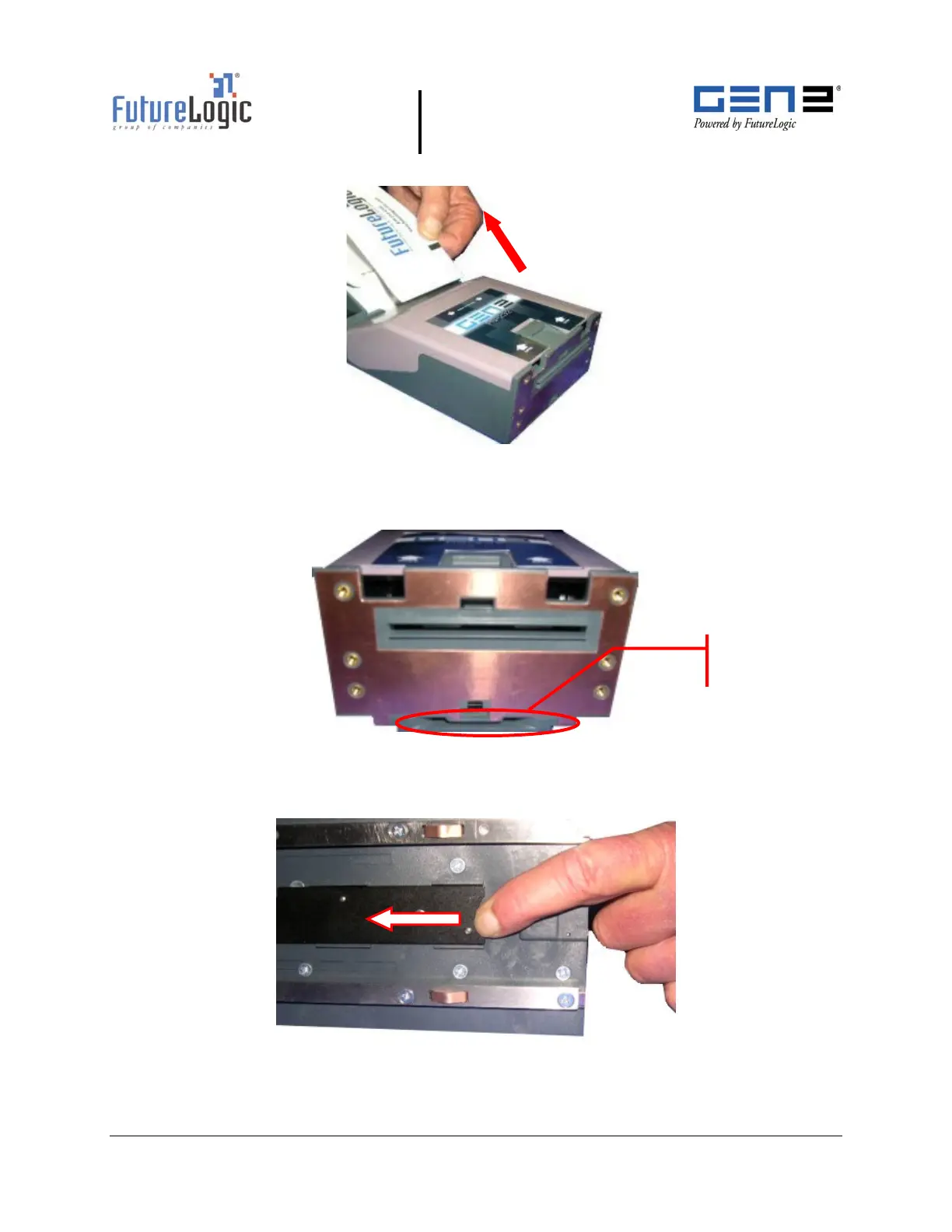
4. Remove the paper from the printer.
Figure 3-4 Remove the Paper
5. Push the Front Locking Bar unit to unlock the sliding module from stationary module.
Slide the drawer module completely out of the stationary module.
Figure 3-5 Front Locking Bar
6. Push the Release Bar (located on the bottom of the unit).
While holding in the Release Bar, gently pull the printer towards you.
Figure 3-6 Push Release Bar
Front Locking
Bar



 To Next Page