Operators and Technicians Manual
© 2002 – 2007 FutureLogic, Incorporated. All Rights Reserved. MNL Page 2 of 52 12/07/2007
MNL-000003 REV.N
2 Operator Interface
Introduction
This chapter covers various operations of the GEN2 printer including loading paper and
clearing a paper jam.
Operator Indicators and Controls
The printer is equipped with status indicators and a FEED button, which allow you to manage
and interpret the operations of the printer.
The status indicators are:
• The front bezel light
• Keypad lights:
• Ready – Green
• Paper – Yellow
• Open – Orange
• Fault – Red
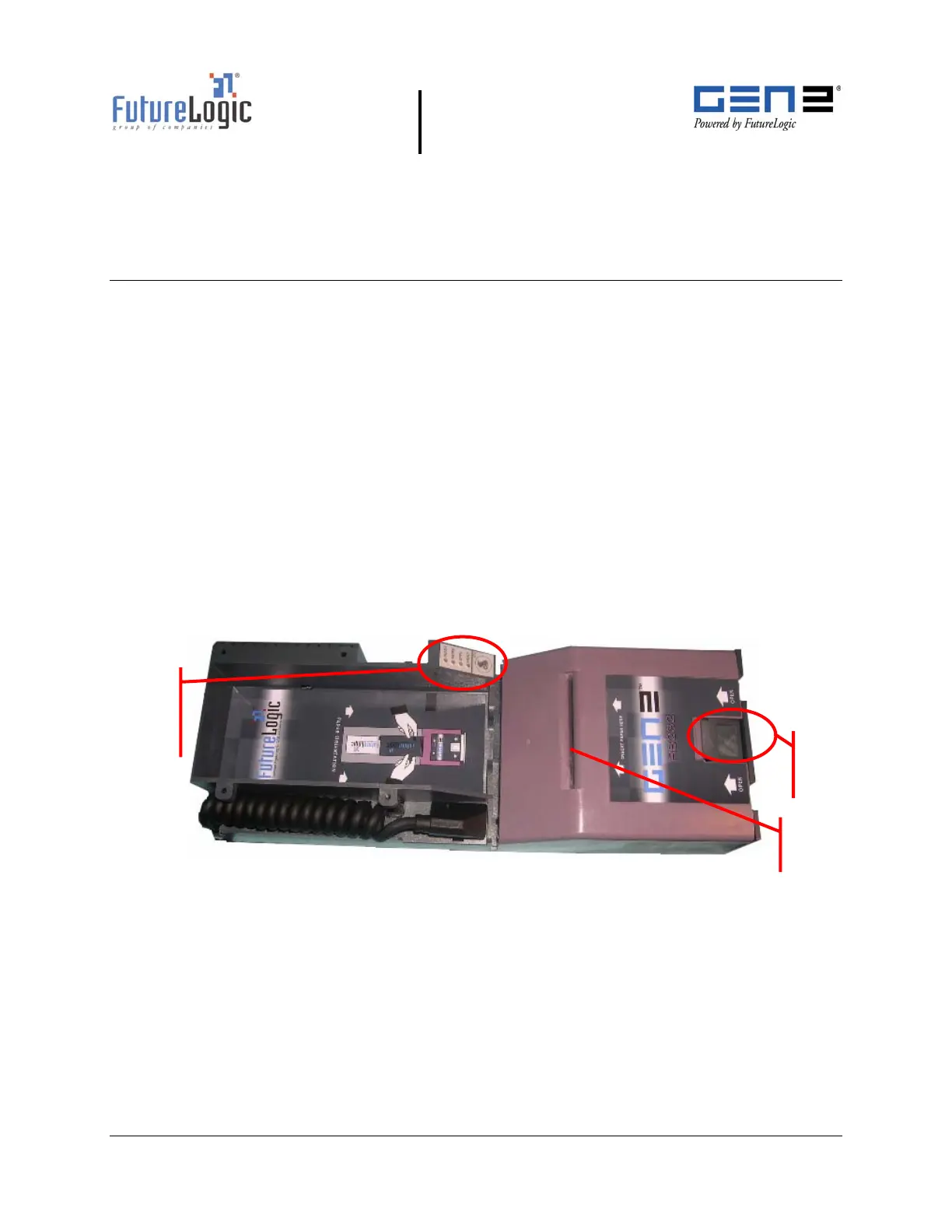
The following figure illustrates the location of these indicators and controls.
Figure 2-1 Operator Indicators and Controls
Status Li
hts
and Keypad
with FEED
button
Lid
Release
Lever
Paper
Loading Slot



 To Next Page