Operators and Technicians Manual
© 2002 – 2007 FutureLogic, Incorporated. All Rights Reserved. MNL Page 15 of 52 12/07/2007
MNL-000003 REV.N
GEN2 Netplex Dip Switches
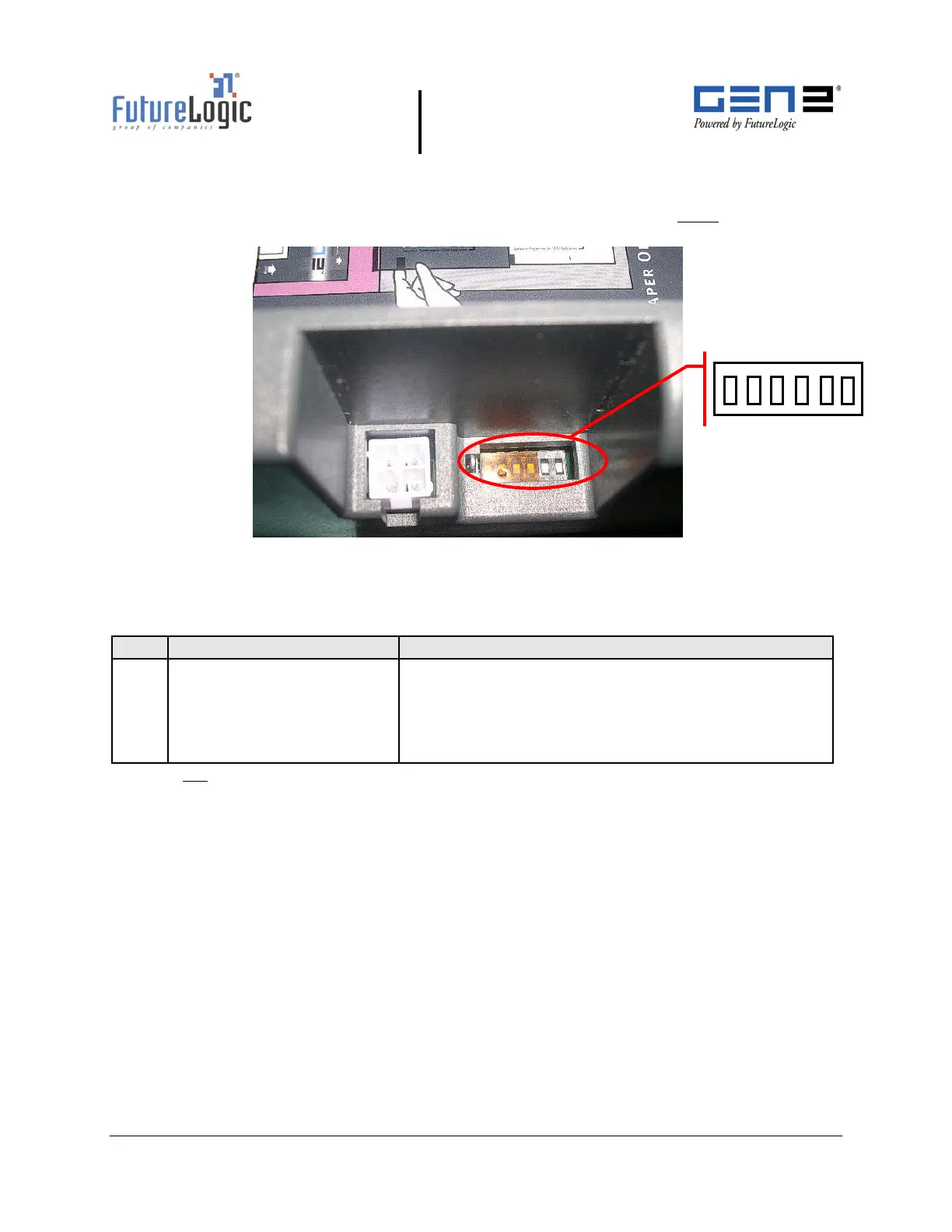
The printer has a set of 6 dip switches accessible through a slot on the top of the printer.
Use the dip switches to select the communications protocol. The switches must
be set
according to
Table 4-7 for proper operation.
Figure 4-5 Netplex Dip Switches – Top View
Table 4-7 Netplex 6 Position Dip Switch Settings
Pos Function Configuration
1
2
3
4
5
6
Reserved
Baud Rate
Baud Rate
Hand Shaking
Reserved
Reserved
OFF
ON
OFF
OFF
OFF
OFF
Note: Do not turn “reserved” switches ON.
6
1
ON



 To Next Page