FXO H.323 Gateway User Manual Document Ver.: 118a
Release Sep, 2004
50
【Updating the firmware by the FTP server】
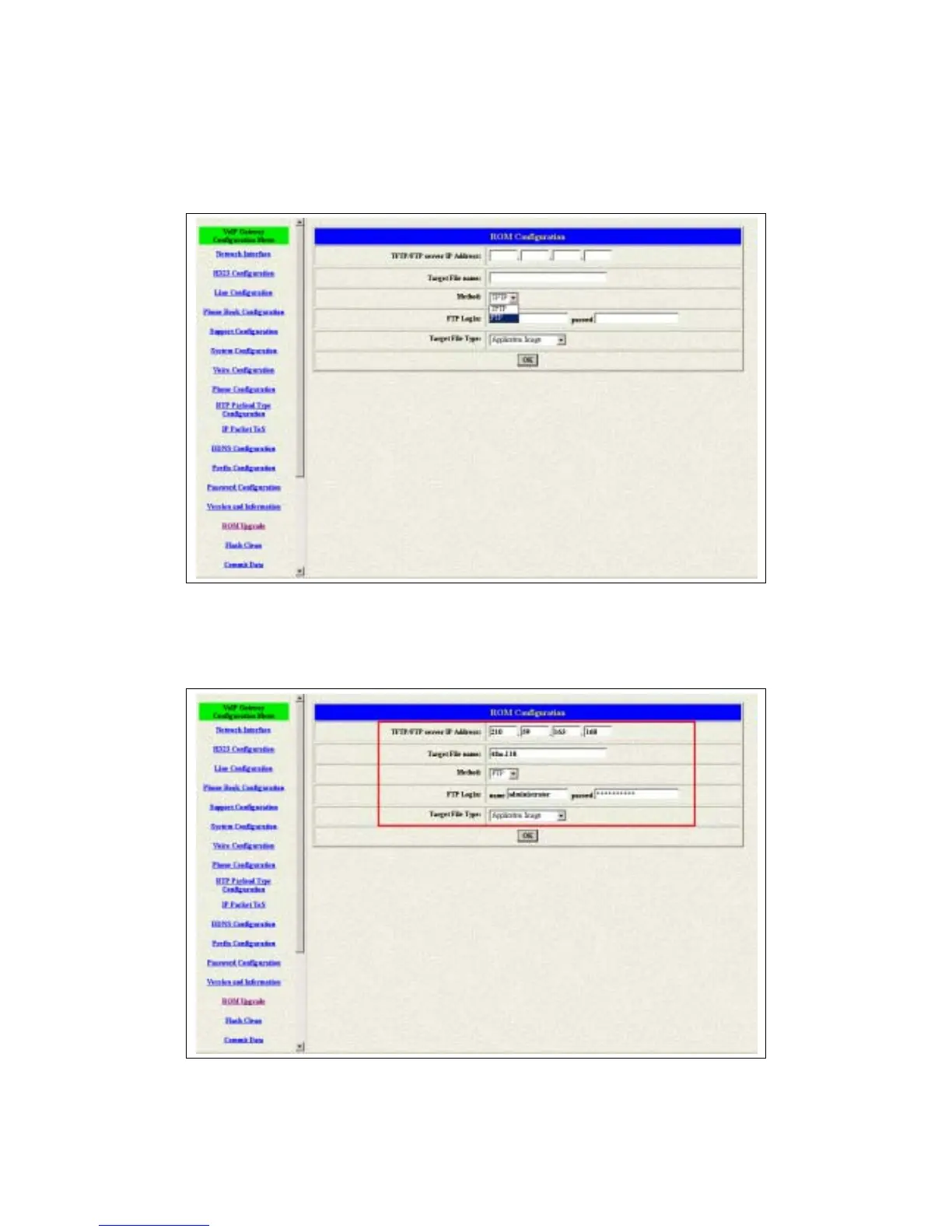
1 Pick up the “Rom Upgrade” button to enter the upgrading web page and
switch to the FTP method. (see figure 3.21)
Figure 3.21 ROM Upgrade for FTP
2 Key in the IP address, the login name, password of your FTP server and the
correct file name, file type. (see figure 3.22)
Figure 3.22: FTP information



 To Next Page