FXO H.323 Gateway User Manual Document Ver.: 118a
Release Sep, 2004
51
3 Press the OK button to start the upgrade procedure.
4 Please follow the direction on the web site if the download procedure is
finished.
【Updating the firmware by the TFTP server】
1 Downloading the TFTP program from our web site and install it first.
Executing the TFTP program before you want to use the TFTP upgrade
method.
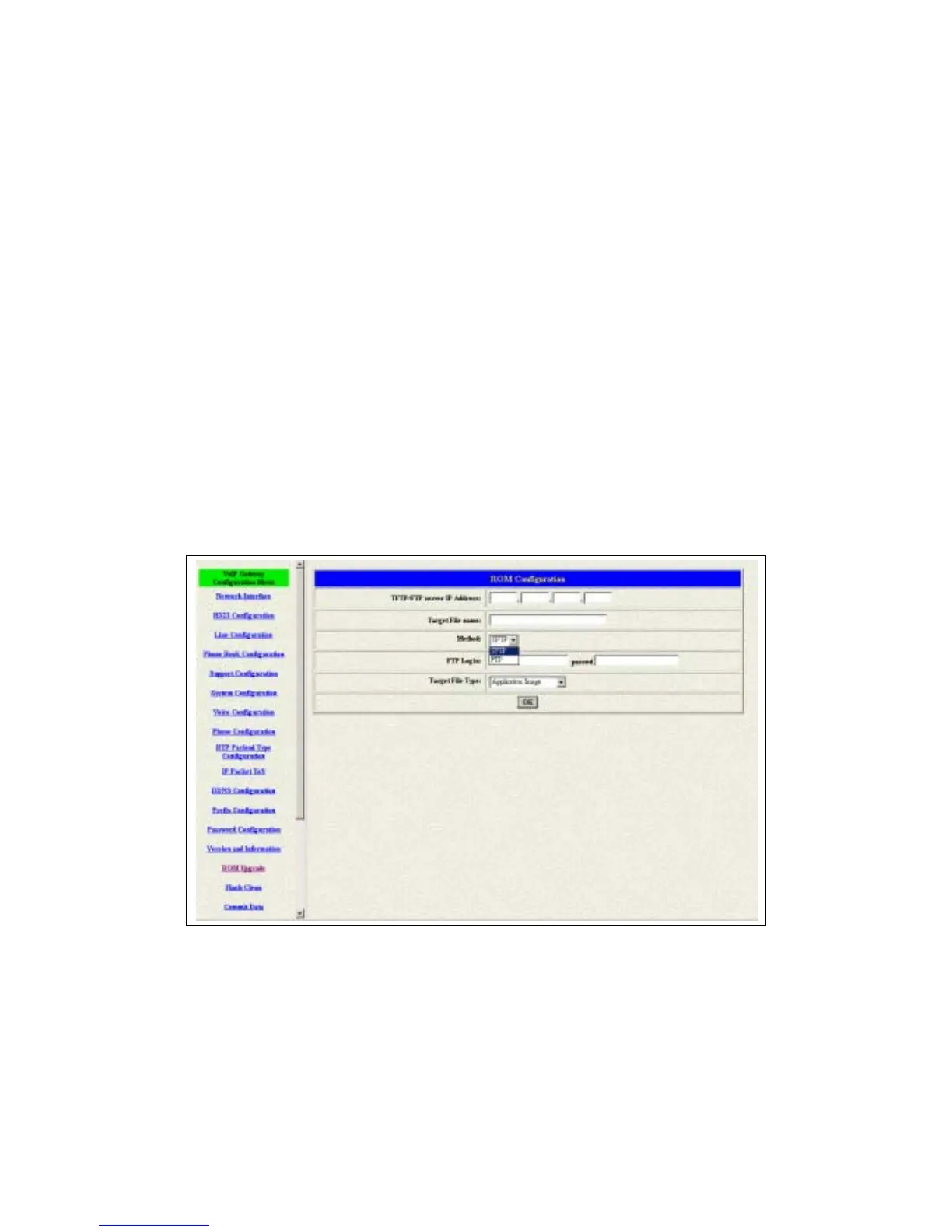
2 Pick up the “Rom Upgrade” button to enter the upgrading web page and
switch to the TFTP method. (see figure 3.23)
Figure 3.23: ROM Upgrade for TFTP
3 Key in the IP address of your TFTP server, pick up the file type for your
upgrade file and the correct file name for upgrading. (see figure 3.23)



 To Next Page