FXO H.323 Gateway User Manual Document Ver.: 118a
Release Sep, 2004
52
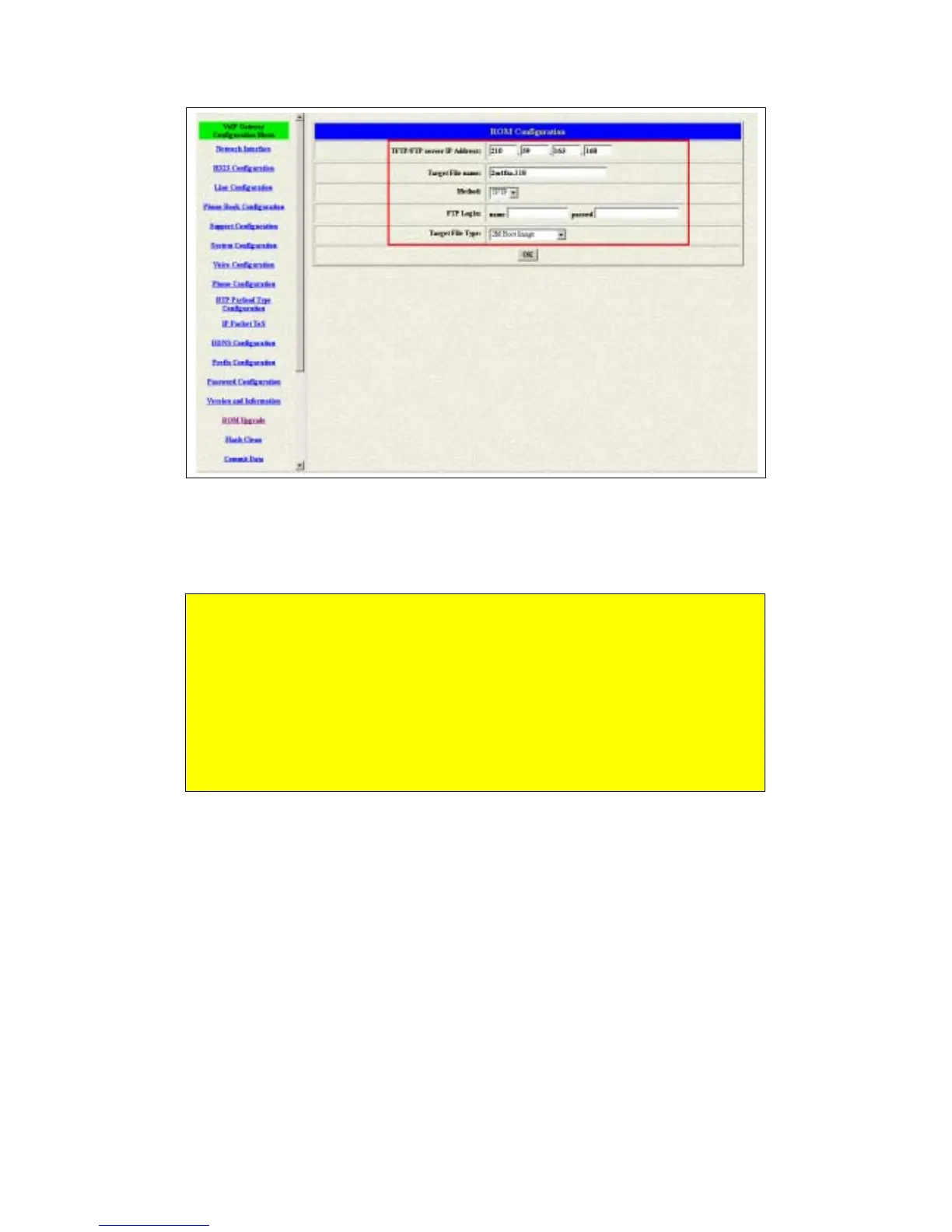
Figure 3.24: TFTP information
4 Press the OK button to start the upgrade procedure.
Please pay more attentions on the file name you used. The file name
with the prefix “2m” is the complete firmware, it will take more times for
the downloading and upgrading. About the file name without the prefix
“2m”, it’s only for the application layer firmware. In fact, the latest version
firmware is only changed in the application layer.
Please use the flash clean web to make all the configuration back to the
default setting if the upgrade procedure was finished.



 To Next Page