p .103
Maintenance for Your Drive
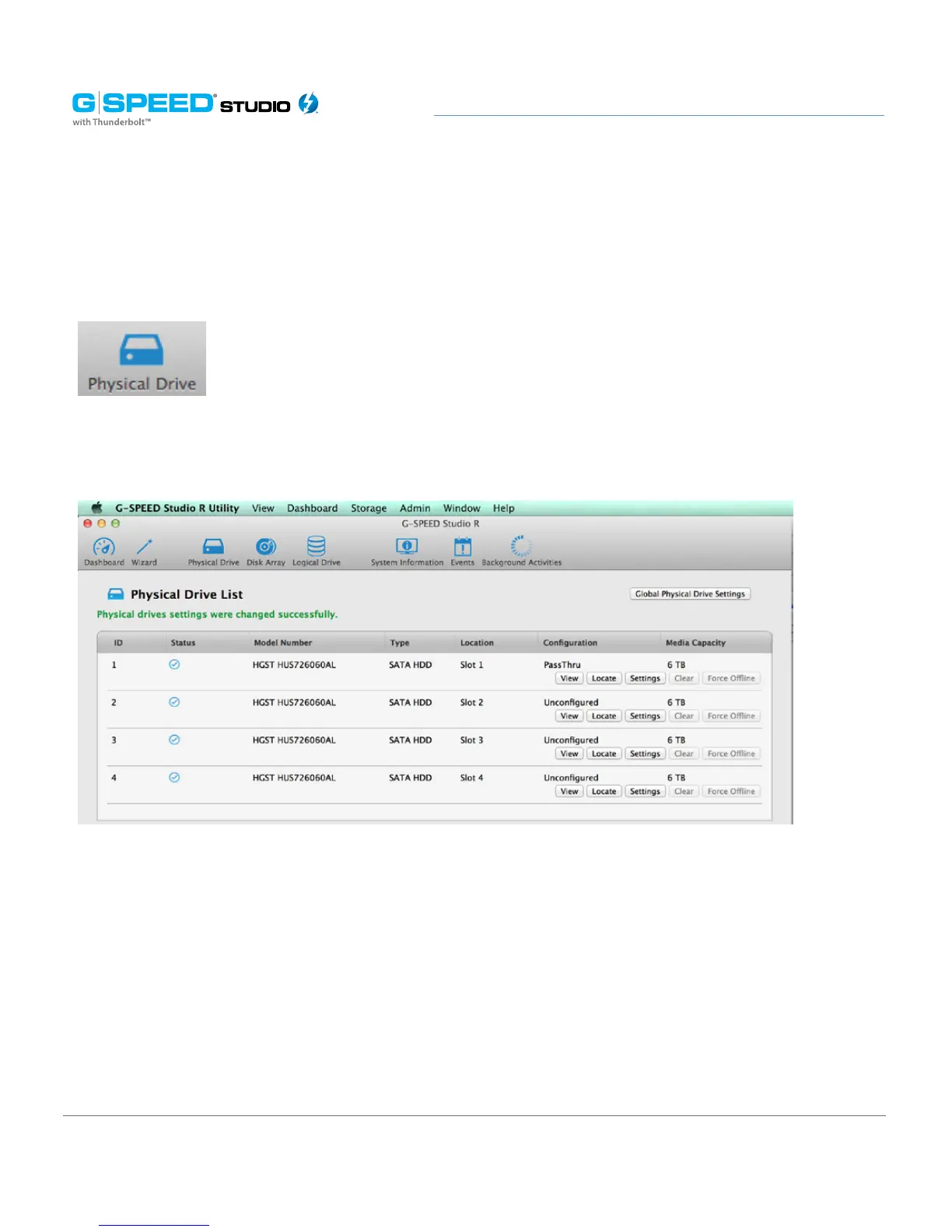
1. Launch the G-SPEED Studio R Utility.
2. Select the Physical Drive.
3. The Physical Drive List will show all of the drives and next to its name the status will
indicate Dead.
4. Right-click on the failed drive and select Locate.
WARNING: Make absolutely sure that you remove the correct drive as indicated in the
steps below.
REMOVING THE WRONG DRIVE CAN RESULT IN LOSS OF THE ARRAY AND ALL CONTENT
STORED ON YOUR G-SPEED STUDIO R.















 To Next Page