p. 26
Conguring G-SPEED Studio R
The G-SPEED Studio R Utility requires a Thunderbolt connection between your computer
and your G-SPEED Studio R. See Connect G-SPEED Studio R to Your Mac.
The G-SPEED Studio R Utility must be installed onto your computer before you can use
it. See Installing G-SPEED Studio R Utility.
Accessing the G-SPEED Studio R Utility
Accessing the G-SPEED Studio R Utility includes:
• Opening and closing G-SPEED Studio Utility
• Unlocking the UI
Opening
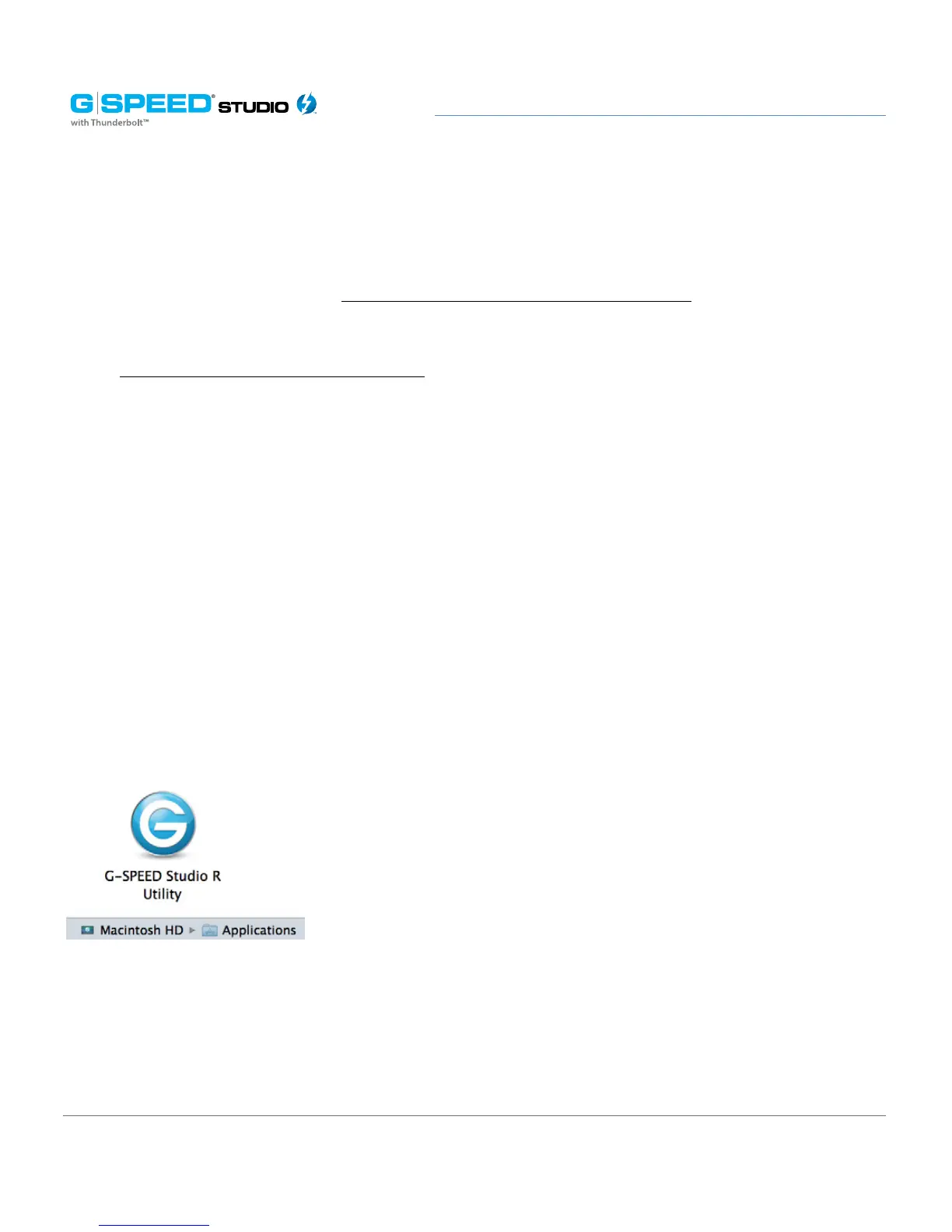
To open the G-SPEED Studio R Utility, double-click the G-SPEED Studio R Utility icon
in the Applications folder. The G-Technology Utility window will open and display the
Dashboard. See G-SPEED Studio R Utility Overview.















 To Next Page