p. 28
Conguring G-SPEED Studio R
Unlocking the UI
By default, the user interface (UI) is locked to prevent unauthorized changes to your
RAID system. When the UI is locked, you cannot create logical drives or change settings
on your G-SPEED Studio R.
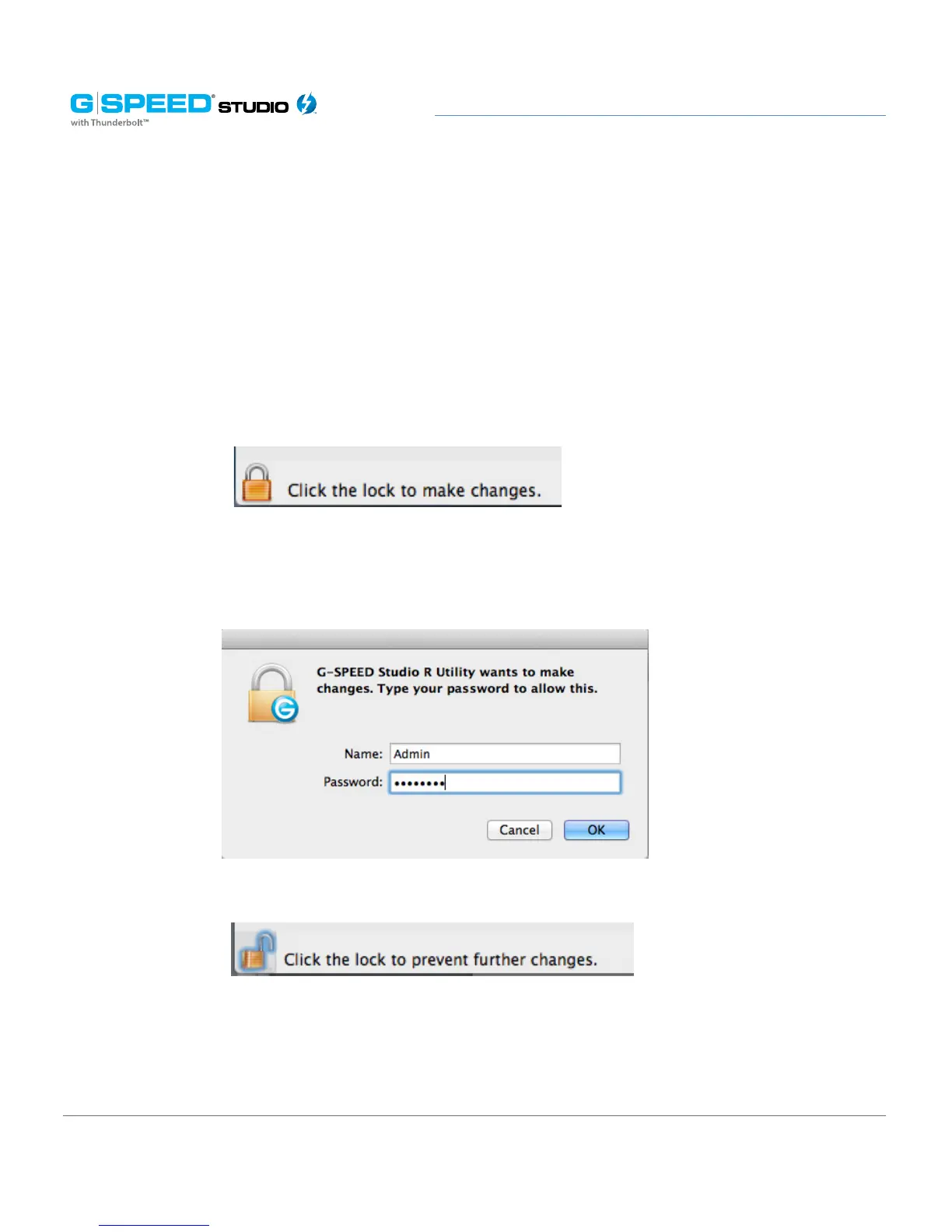
To unlock the UI:
1. At the lower-left of the G-SPEED Studio R Utility window, click the closed lock icon.
The G-SPEED Studio R Utility password dialog box will open.
Type your computer password into the Password field, then click the OK button.
The lock icon will change to open.
You can now add and delete logical drives, make setting changes, run background activities
and update your G-SPEED Studio R.















 To Next Page