p. 75
Conguring G-SPEED Studio R
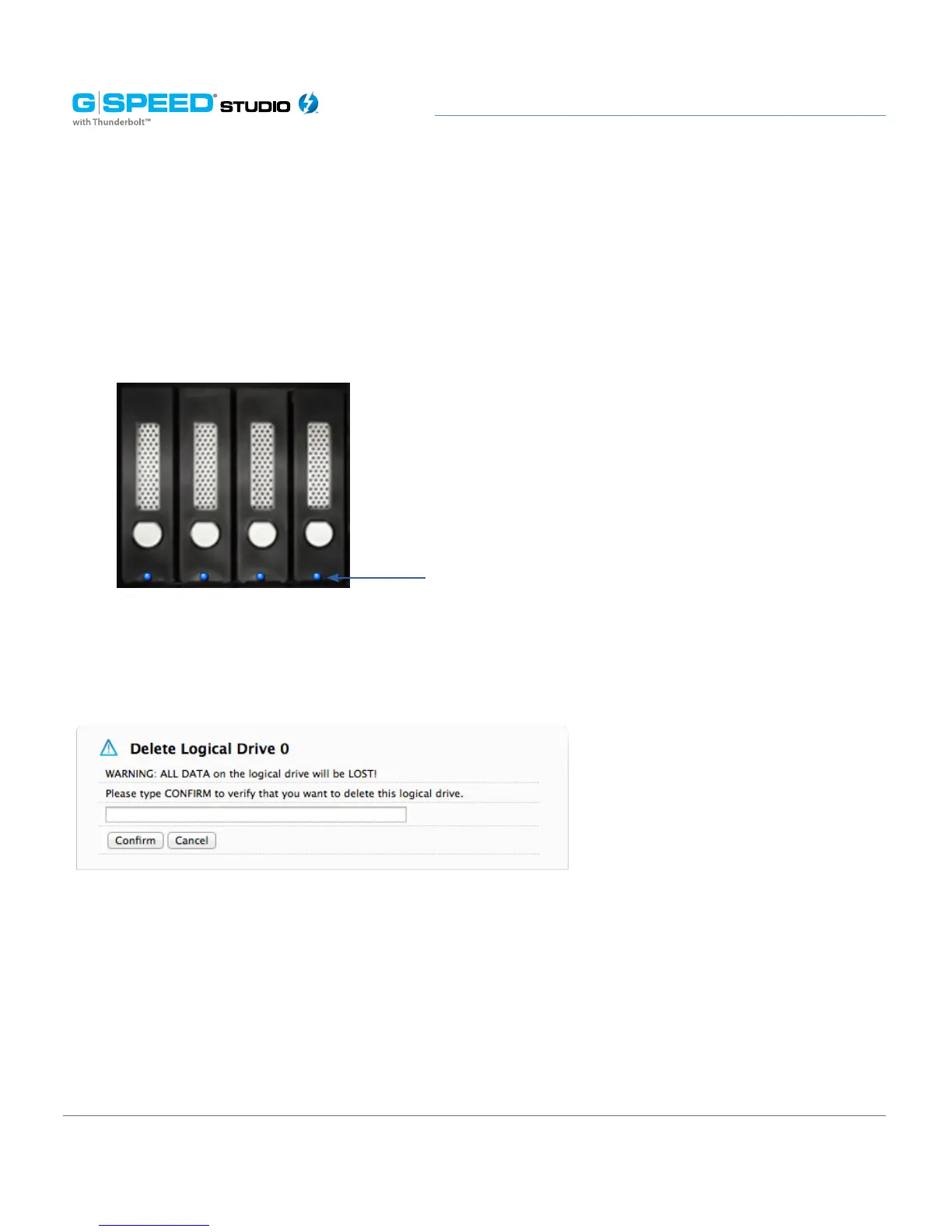
2. Mouse-over the disk array you want to identify, then click the Locate button. The
drive power/status LEDs for the physical drives that comprise the array will blink blue
for one minute.
Running the Locate function to identify a disk array:
Deleting a Disk Array
To delete a disk array:
1. Perform one of the following actions:
• From the Dashboard window, click the Disk Array link.
• From the Storage menu, choose Disk Array.
2. Mouse-over the disk array you want, then click the Delete button.
3. In the Confirmation box, type the word “CONFIRM” in the field provided, then click the
Conrm button.
Drive power/status
LEDs blink















 To Next Page