p. 60
Conguring G-SPEED Studio R
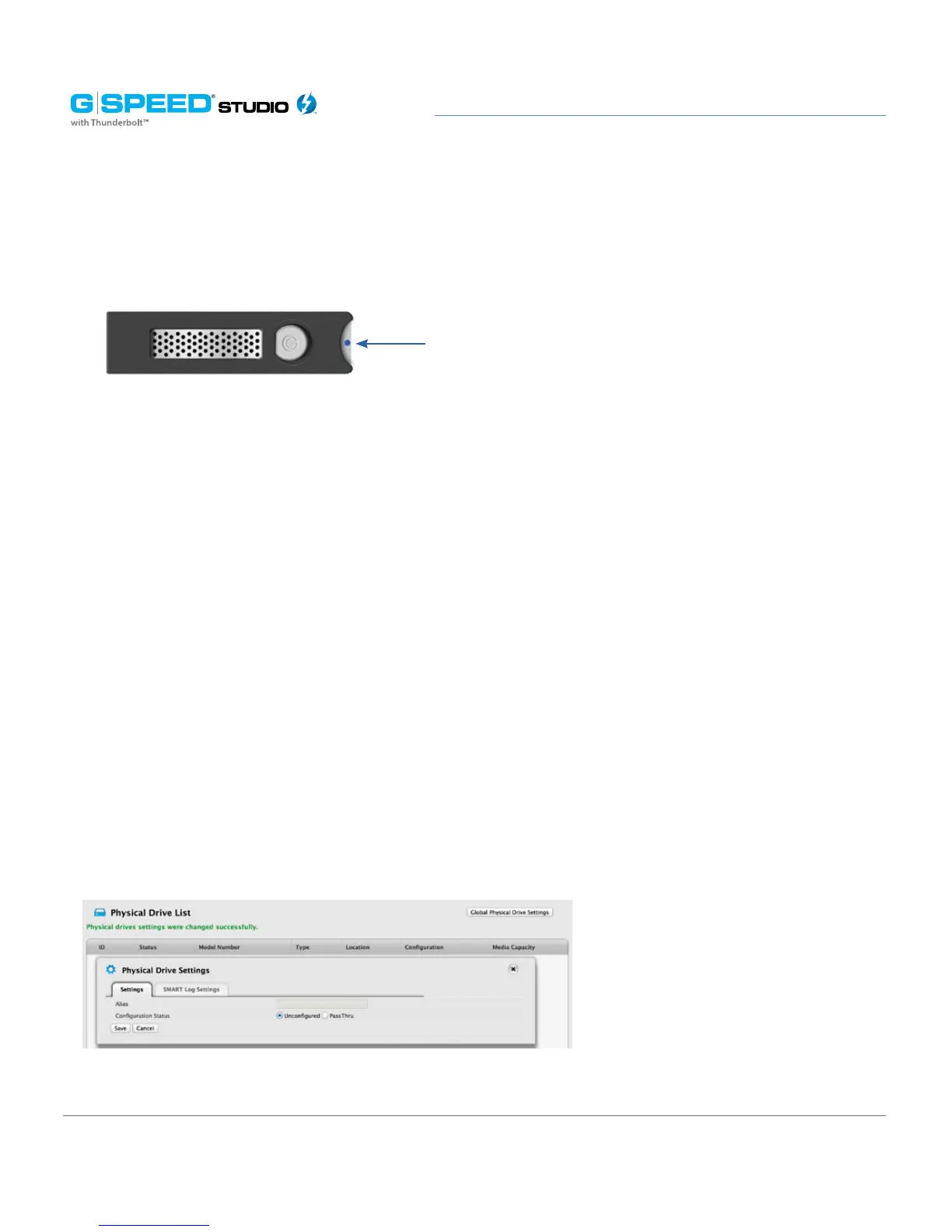
Running the Locate function to identify a physical drive:
Changing Global Physical Drive Settings
To change global physical drive settings:
1. Click the Physical Drive icon
2. Click the Global Physical Drive Settings button
3. Check the following boxes to enable functionality; uncheck them to disable.
• Enable Write Cache
• Enable Read Look Ahead Cache
• Enable Command Queuing
4. Click the Save button.
5. Click the X icon to close the settings panel.
Changing Individual Physical Drive Settings
Drive power/status LEDs blink Blue















 To Next Page