p. 74
Conguring G-SPEED Studio R
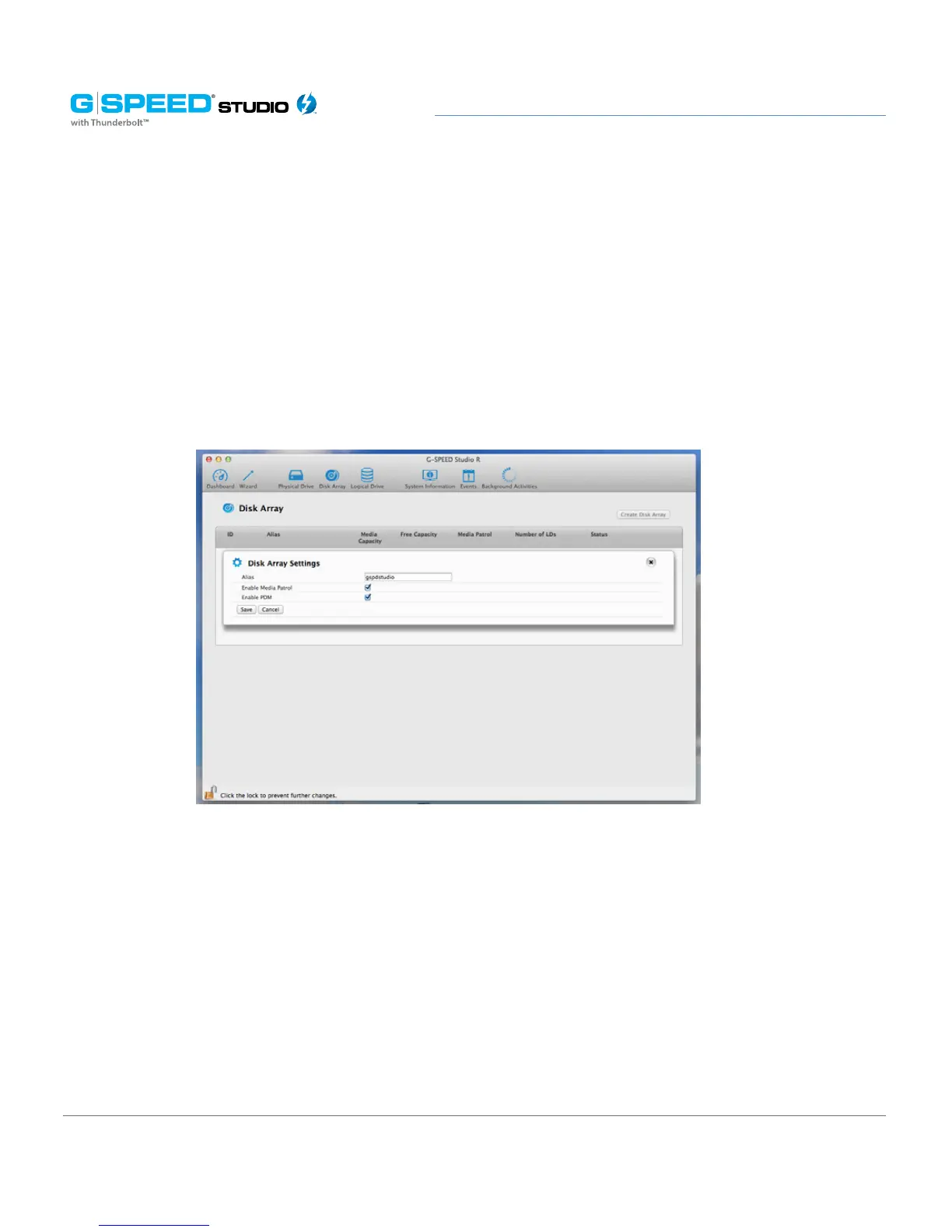
3. Make the following setting changes as required:
• Enter change, or delete the alias in the Alias eld. An alias must be a maximum
of 32 characters (letters, numbers and spaces between characters).
• Enable Media Patrol – Check to enable or uncheck to disable on this array.
• Enable PDM – Check to enable or uncheck to disable on this array.
4. Click the Save button.
Locating a Disk Array
This feature causes the drive carrier LEDs to flash for one minute to assist you in locating
the physical drives that make up a given disk array. To locate a disk array:
1. Perform one of the following actions:
• From the Dashboard window, click the Disk Array link.
• From the Storage menu, choose Disk Array.















 To Next Page