p. 39
Conguring G-SPEED Studio R
Locating an Enclosure
If you have multiple G-SPEED Studio R units and you want to verify which unit you are
accessing in the G-Technology Utility, use the Locate function.
To locate an enclosure:
From the Logical Drive icon, click the Locate button.
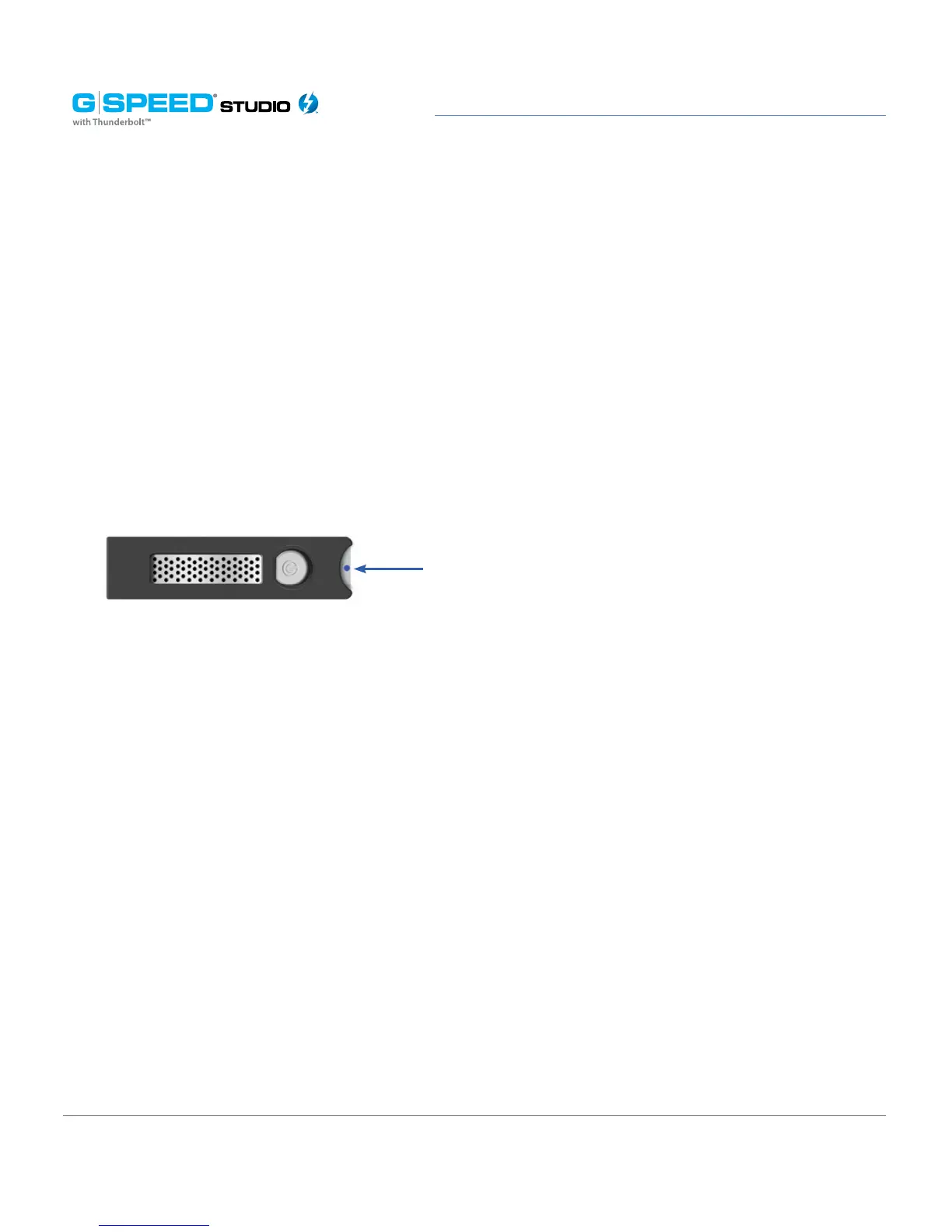
The Drive Power /Status LEDs on all drive carriers blink blue for one minute.
Running the Locate function to identify an enclosure:
Managing the RAID Controller
RAID controller management includes:
• “Viewing Controller Information”
• “Viewing Controller Statistics”
• “Changing Controller Settings”
• “Changing Buzzer Settings”
Viewing Controller Information
To view controller information, you can access the Controller info page from the Dashboard
panel under System Status. You can also select the Component List from the View pull-
down window and navigate to Customize Toolbar where you can add Component List.
The Information tab will be displayed.
Drive Power/Status LEDs blink Blue















 To Next Page