p. 29
Conguring G-SPEED Studio R
G-SPEED Studio R Utility Overview
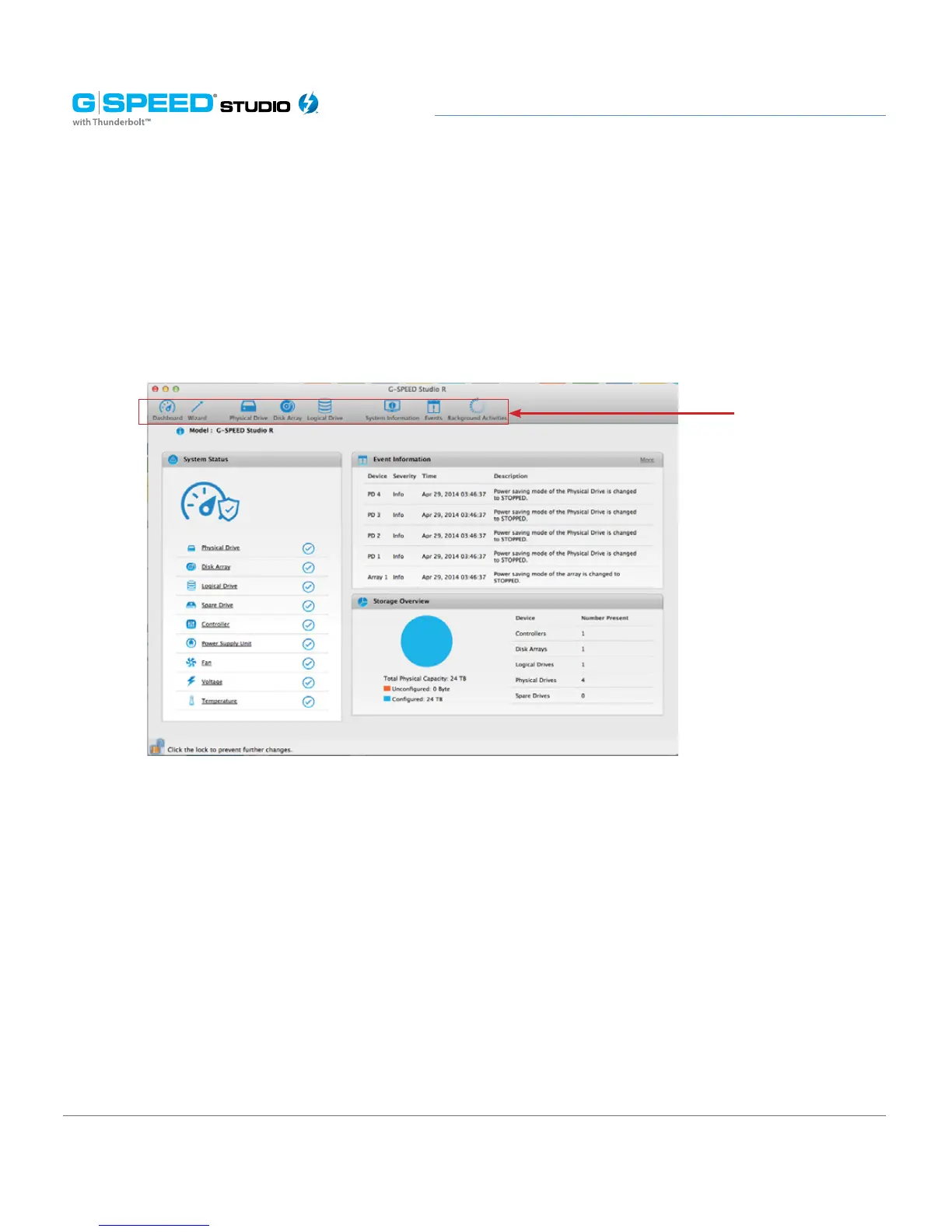
The G-SPEED Studio R Utility interface consists of menus and icons, each leading you to
a specific function.
The G-SPEED Studio R Utility interface with the Dashboard displayed:
Toolbar icons
• G-SPEED Studio R Utility – About, Checking for Updates, Preferences, Services, Hide, Quit
• View – Show/Hide Toolbar, Customize Toolbar, Devices (G-SPEED Studio R units)
• Dashboard – Show the Dashboard
• Storage – Wizard, Disk Array List, Logical Drive List, Spare Drive List
• Admin – System Information, Events, Background Activities, System Updates,
Performance Monitor, Restore Factory Defaults
• Window – Minimize, Zoom, Close Window, Bring All to Front, G-SPEED Studio R unit
• Help – Links to Online help and the Support Site
Most of the functions accessed in the menu bar are described in this chapter.















 To Next Page