p. 33
Conguring G-SPEED Studio R
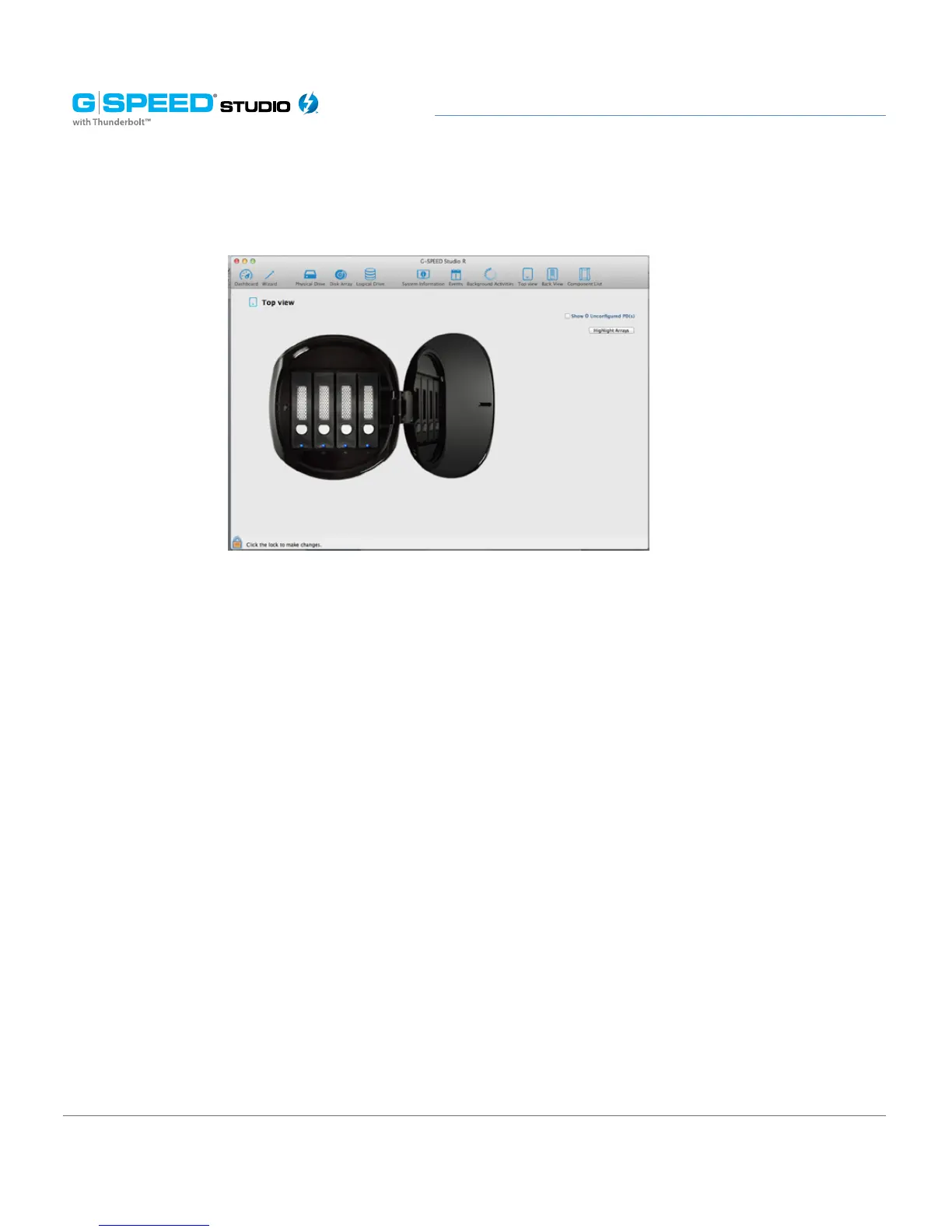
Device: Front View display menu
Click on the drive modules to view the status and identify the assigned disk array.
Managing System Information
Enclosure management includes:
• “Viewing System Information”
• “Making System Settings”
• “Clearing Statistics”
• “Restoring Factory Default Settings”
• “Saving a Service Report”
• “Updating Firmware”















 To Next Page