p. 35
Conguring G-SPEED Studio R
Clearing Statistics
To clear statistical data on the RAID controller, physical drives, and logical drives:
1. Click the System Information icon.
2. Click the Clear Statistics button.
3. Type the word “CONFIRM” in the field provided.
4. Click the Conrm button.
Restoring Factory Default Settings
To restore all settings to their factory default values:
From the Admin drop-down menu in the menu bar at the top of your desktop, choose
Restore Factory Default.
1. In the Restore Factory Default settings screen, check the boxes beside the settings you
want to reset to default value.
• Background activity settings
• Controller settings
• Physical drive settings
• System settings
2. Click the Submit button.
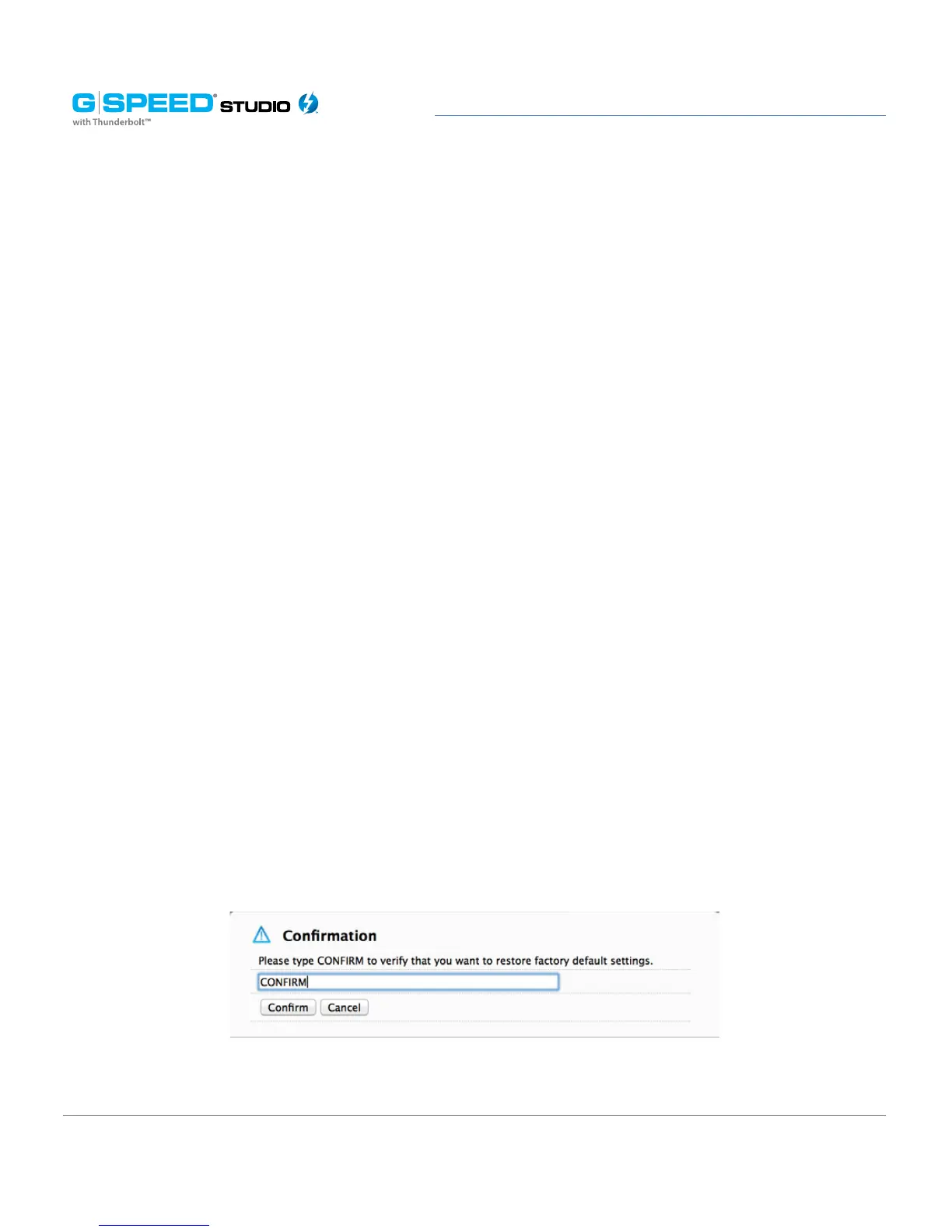
3. In the Confirmation box, type the word “CONFIRM” in the field provided and click the
Conrm button.















 To Next Page