p. 85
Conguring G-SPEED Studio R
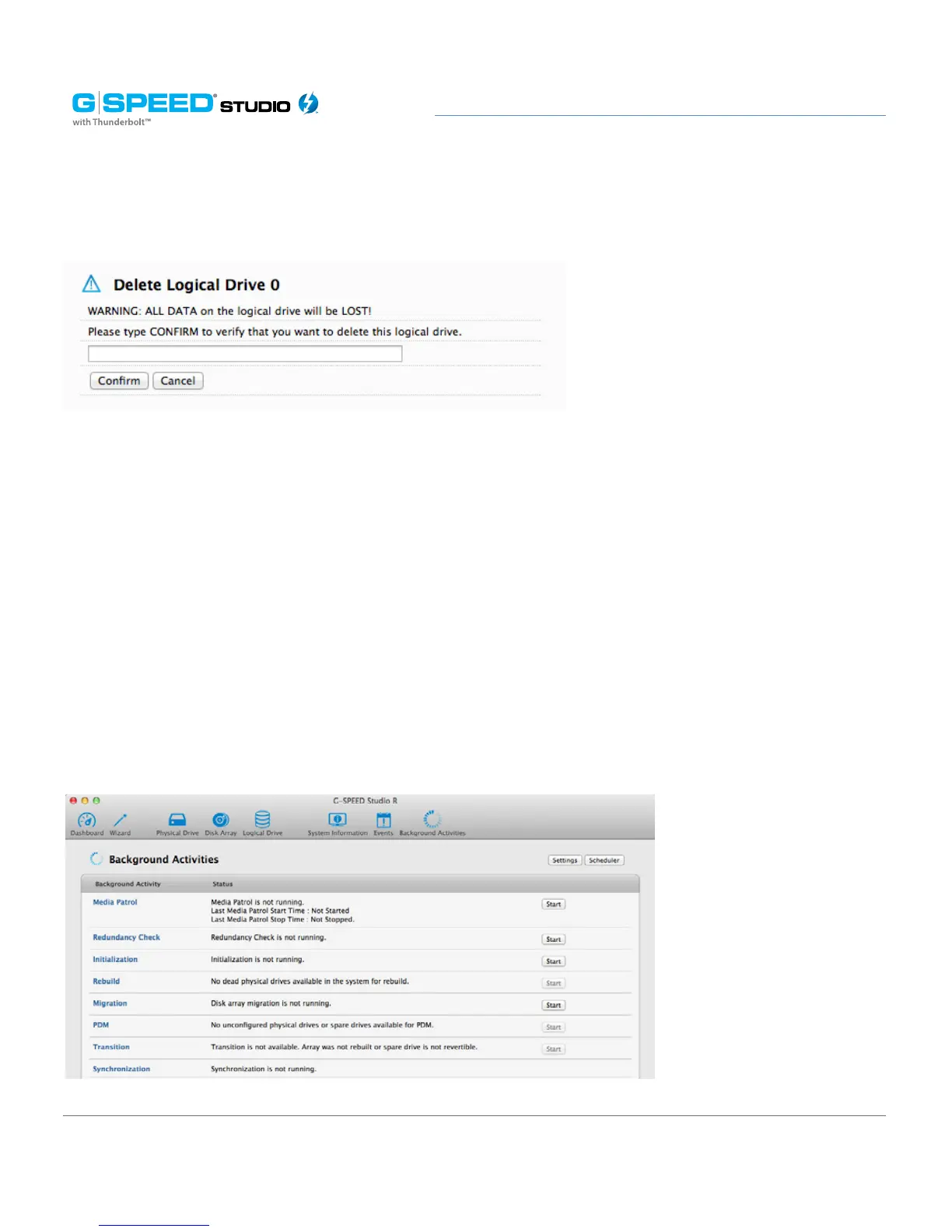
Deleting a Logical Drive
This action requires administrator or superuser privileges. To delete a logical drive:
1. Perform one of the following actions:
• Click the Logical Drive icon.
• From the Storage menu, choose Logical Drive. The list of logical drives will appear.
2. Mouse-over the disk array you want, then click the Delete button.
3. In the Confirmation box, type the word “CONFIRM” in the field provided, then click the
Conrm button.
Initializing a Logical Drive
Initialization is normally done to logical drives after they are created from a disk array.















 To Next Page