p. 68
Conguring G-SPEED Studio R
Choosing Automatic Conguration
To use the Automatic Configuration Wizard:
1. From the Storage menu, choose Wizard.
2. Click the Automatic button.
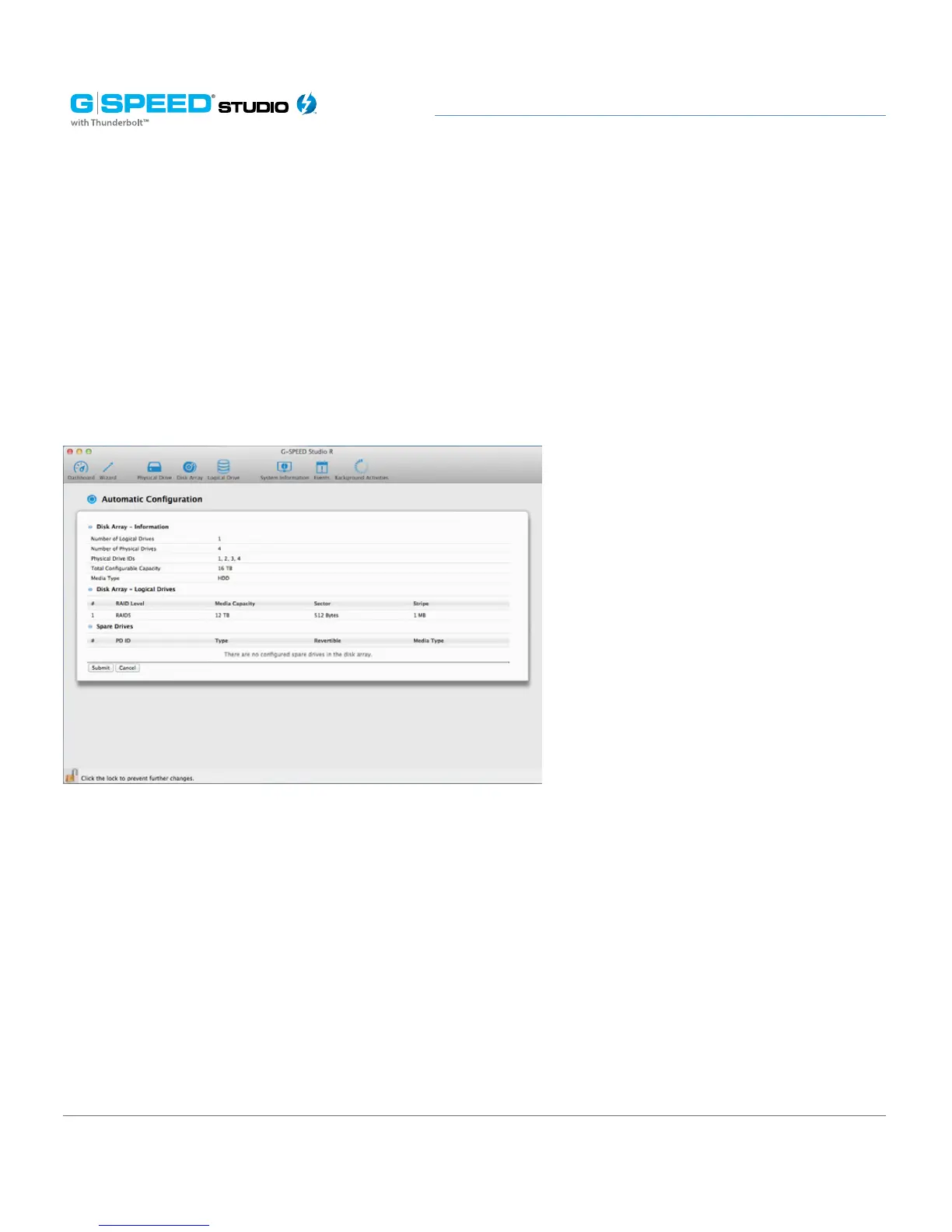
The Automatic Configuration dialog box will appear.
Automatic Conguration dialog box:
1. Do one of the following actions:
• If you agree with the proposed conguration, click the Submit button.
The Wizard will create your disk array and logical drive. The Wizard can also
create a spare drive.
• If you do NOT agree with the proposed conguration, click the Cancel button
to return to the original Automatic Configuration menu.















 To Next Page