p. 21
Conguring G-SPEED Studio R
6. Click Install to begin the installation process.
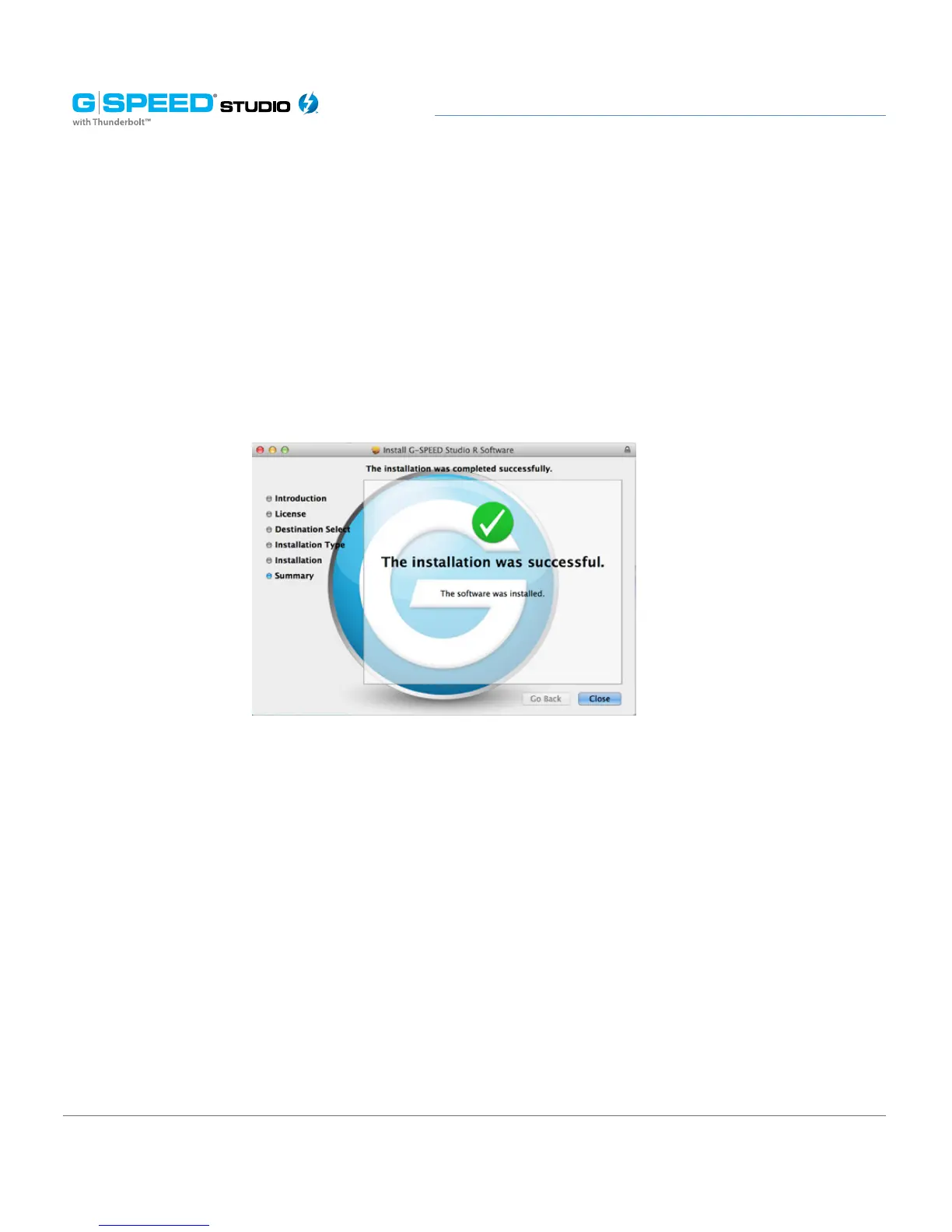
7. The G-SPEED Studio R utility software will install in a few moments. Once complete, a
message will inform you that the installation was successful. Click Close to complete the
installation procedure.
The G-SPEED Studio R Utility is now available to help manage your G-SPEED Studio R.
Use this tool if you need to modify the array configuration, retrieve system information
or update the enclosure firmware. The utility tool is also useful for monitoring the storage
system status as well as troubleshooting. For more information on using the G-SPEED
Studio R, including instructions on how to use the Wizard menu or install a different
RAID array configuration, please visit Manage With G-SPEED Studio R Utility.















 To Next Page