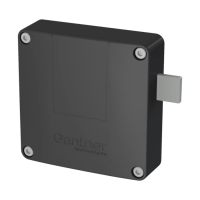
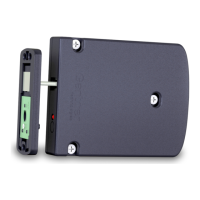
GAT ECO.Lock 7xxx F/ISO
Start-Up
28
HB_GAT-ECOLock-7xxxFISO--EN_12
www.gantner.com
► Push the battery cover key into the slot until the battery cover is released.
► Remove the battery cover.
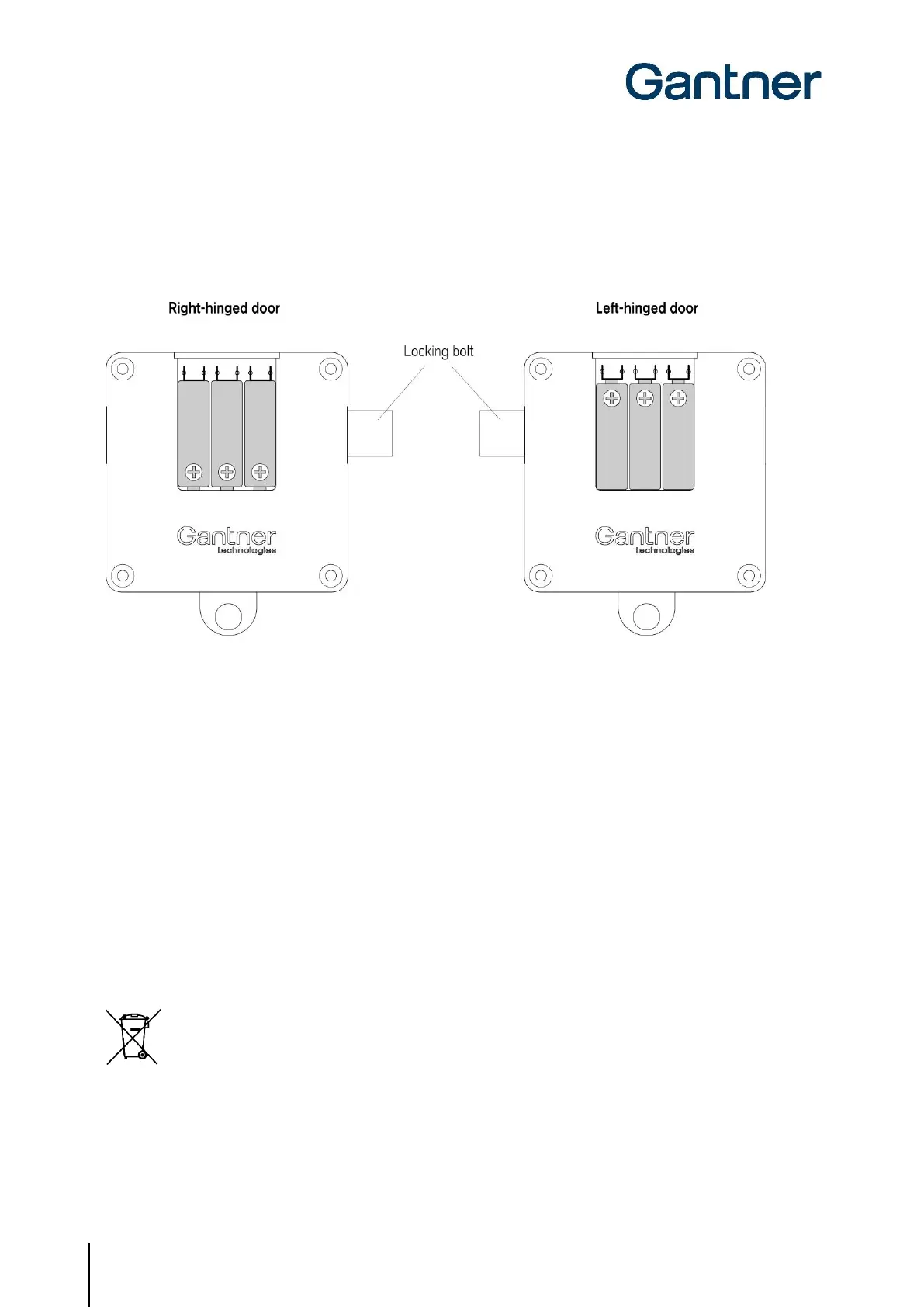
► Ensure that the battery polarity is correct. The polarity differs depending on whether the lock is mounted on a
left or right-hinged door (see following diagram).
Figure 4.2 – Correct battery polarity
► Press the batteries down into the compartment until they lock into place.
► Slide the battery cover back onto the battery compartment until it clicks into place.
o When installing the batteries in the GAT ECO.Lock 7xxx F / ISO for the first time, the process is now
complete.
o When the lock has already been used and the batteries are being replaced, the lock must be
activated using the battery cover key (see “4.1.3 Replacing the Batteries). Press the lock button in
using the battery cover key in order to activate the lock.
4.1.3 Replacing the Batteries
The batteries of the GAT ECO.Lock 7xxx F/ISO must be replaced when the LED ring flashes red 5 times and 5
acoustic signals are emitted during a locking attempt. In this state, the GAT ECO.Lock 7xxx F/ISO can no longer be
locked until the batteries are replaced.
Always dispose of used batteries in an environmentally friendly way, e.g., at an electronic waste
recycling facility.
Following battery replacement, the time and date must be reset using a computer and GAT Config Manager (see
section "6. CONFIGURATION"). The GAT ECO.Lock 7xxx F/ISO may not be operated while replacing the batteries.


 To Next Page
 Loading...