14 MAP PILOT owner’s manual
Starting a Route Using Voice Command
You can say the names of popular, well-known locations�
1
Press the Voice Command activation button on your
steering wheel�
2
Say Find Place�
3
Listen for the voice prompt, and speak the name of the
location�
4
Say the line number�
5
Say Navigate�
Using Voice Command while Navigating a
Route
1
Press the Voice Command activation button on your
steering wheel�
2
Select an option:
• Say Detour to take a detour on the route�
• Say Stop Route to stop the current route�
Navigation
Browsing the Map
You can browse the map for POIs, change your view of the
map, select which layers to display, view location details, and
more�
1
Select View Map�
2
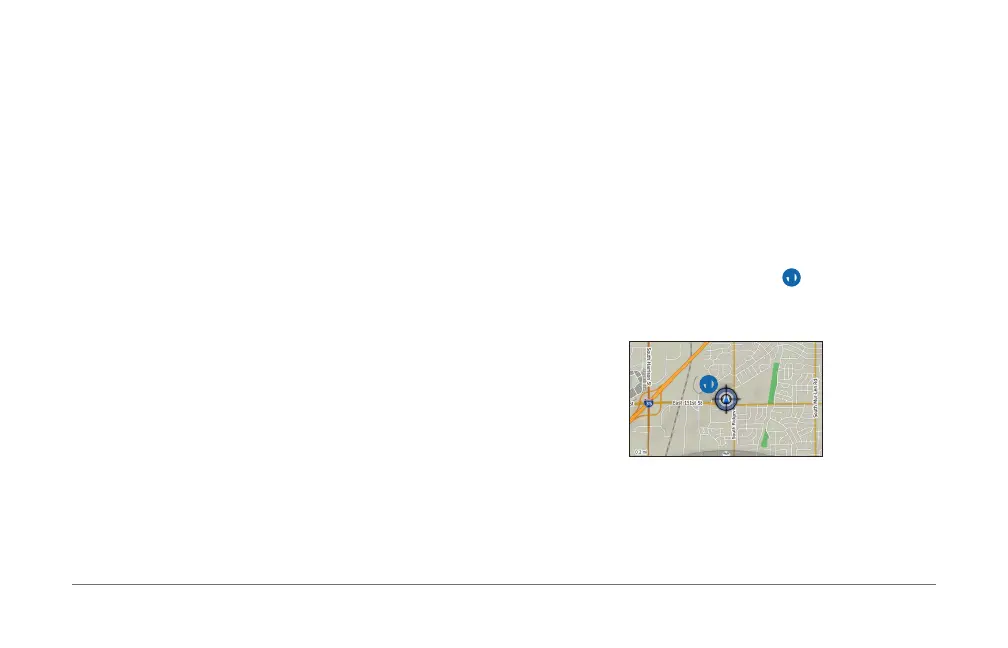
Push the controller in any direction�
The map switches to browsing mode
➊�
NOTE: You can also browse the map by selecting Where
To? > Browse Map�
➊
3
Press the controller�
The browse map tools wheel appears�













 To Next Page