16 MAP PILOT owner’s manual
About My Route
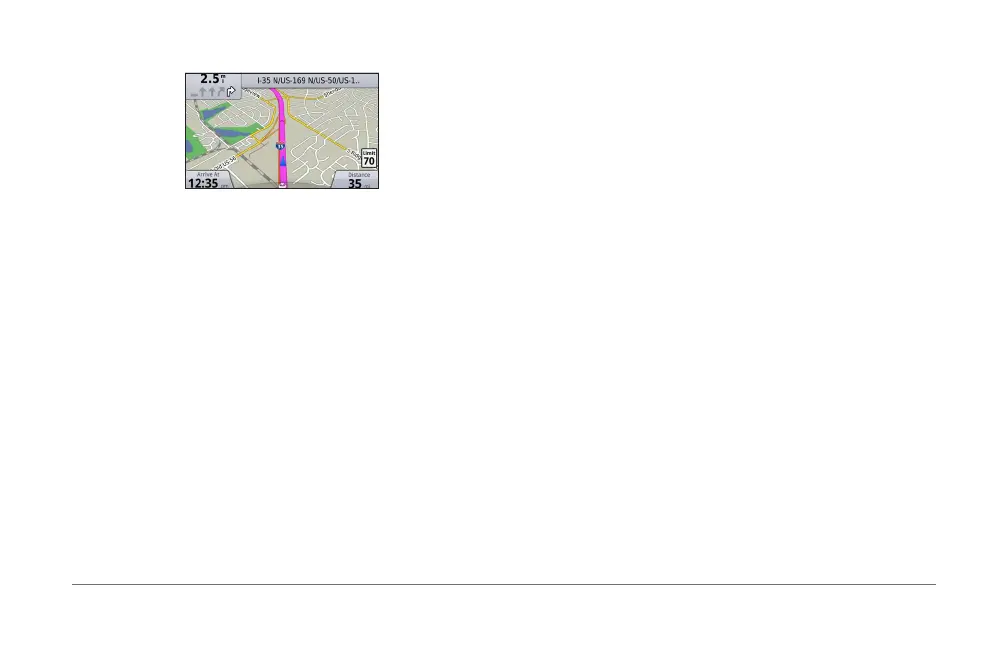
While navigating a route, you can view turns for the route, add
waypoints, or take a detour�
1
While navigating a route, select My Route from the main
menu�
2
Select an option:
• Select Turn List to view the turns on the route�
• Select Detour to take a detour on the route�
• Select Add Waypoint to add another point on the route�
• Select a waypoint to Reorder, Delete, or View Details
of the waypoint�
Adding a Waypoint to a Route
1
Select My Route > Add Waypoint�
2
Search for the location�
3
Select Add to Route�
4
If necessary, select Preview to view the route�
5
If necessary, select Auto Arrange to arrange the waypoints
in the route into the most logical order�
6
Select Go!�
Taking a Detour
NOTE: If the route you are currently navigating is the only
reasonable option, your system might not calculate a detour�
While navigating a route, you can use detours to avoid
obstacles ahead of you, such as construction zones�
Select My Route > Detour�
Using Advanced Detours
You can take a detour for a specied distance along your route
or detour around specic roads� This is useful if you encounter
construction zones, closed roads, or poor road conditions�
1
Select Settings > Navigation > Advanced Detours�
2
From the main menu, select My Route > Detour�













 To Next Page