20 MAP PILOT owner’s manual
Trafc
NOTICE
Garmin
®
and Mercedes-Benz are not responsible for the
accuracy or timeliness of the trafc information�
Trafc information may not be available in all areas or countries�
Your navigation system can receive trafc information�
NOTE: The trafc map does not display free-ow trafc
messages�
About the Trafc Icon
When a trafc event is detected, a trafc notication icon
appears on the map� The trafc icon changes color to indicate
the severity of trafc conditions�
Color Severity Meaning
Yellow Medium Trafc is moving but there is a delay� There is
moderate trafc congestion�
Orange-
White
Medium There is a construction zone�
Red High Trafc is not moving or moving slowly� There
is a severe delay�
Red-Black High The road is closed�
Trafc Providers
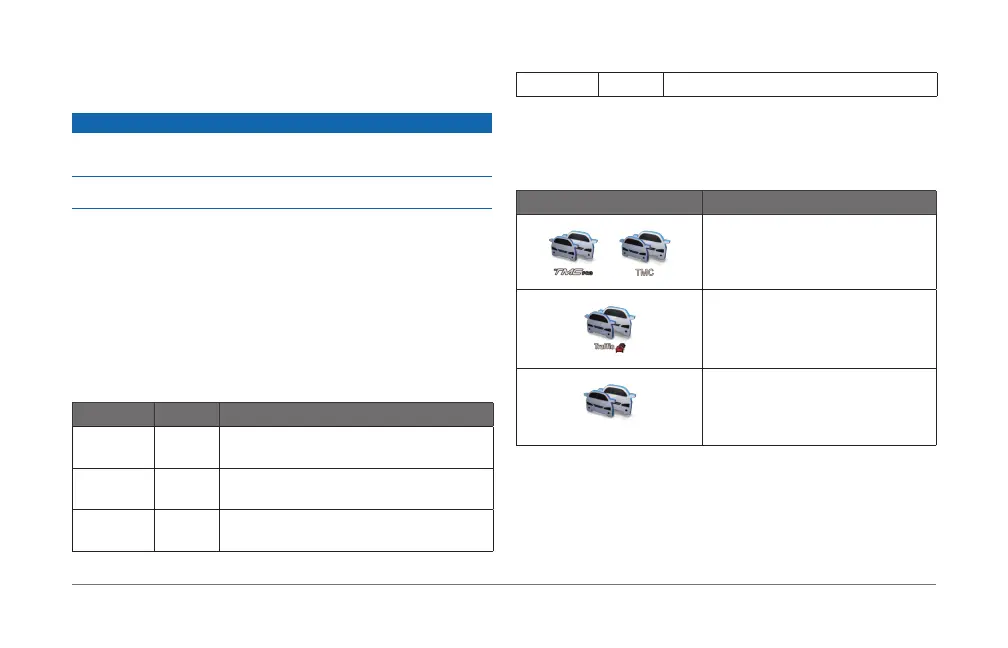
When trafc service is available, the trafc provider is shown
below the trafc icon on the main menu�
Icon Meaning
TMC trafc service is available
SiriusXM or Live trafc service is
available
Trafc service is unavailable













 To Next Page