GA600AC Sliding Gate Opener User Manual
Step 4: Before using your mobile to control the motor, please operate your gate for a
single(no matter open or close) travel and record the travel time, then go to the settings to
set the run time, this run time should be decided according to your gate running travel. For
example, the travel time of opening is 23 sec., you can set the run time to be
25s.(recommended to set it a little bit longer than travel time, default setting is 20 sec.) If
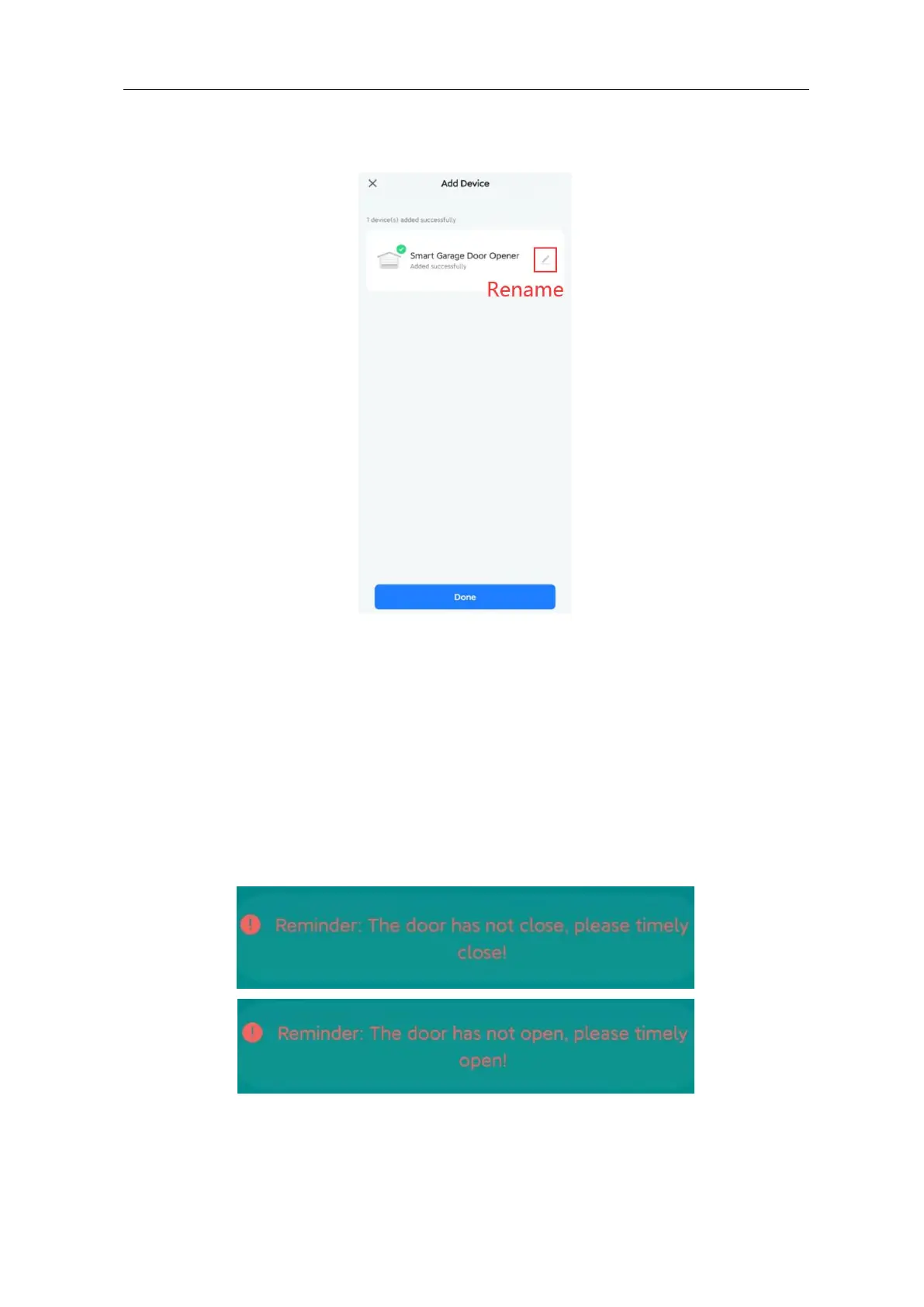
you set the run time on the APP shorter than travel time, then after the time is up on the APP,
but the travel still hasn’t finished, there will be a reminder between this gap time:
Step 5: Now you can operate on your mobile, it will show “opening” while gate is opening,



 To Next Page