Expert Pro User Manual
Installation 2-4
Step 5
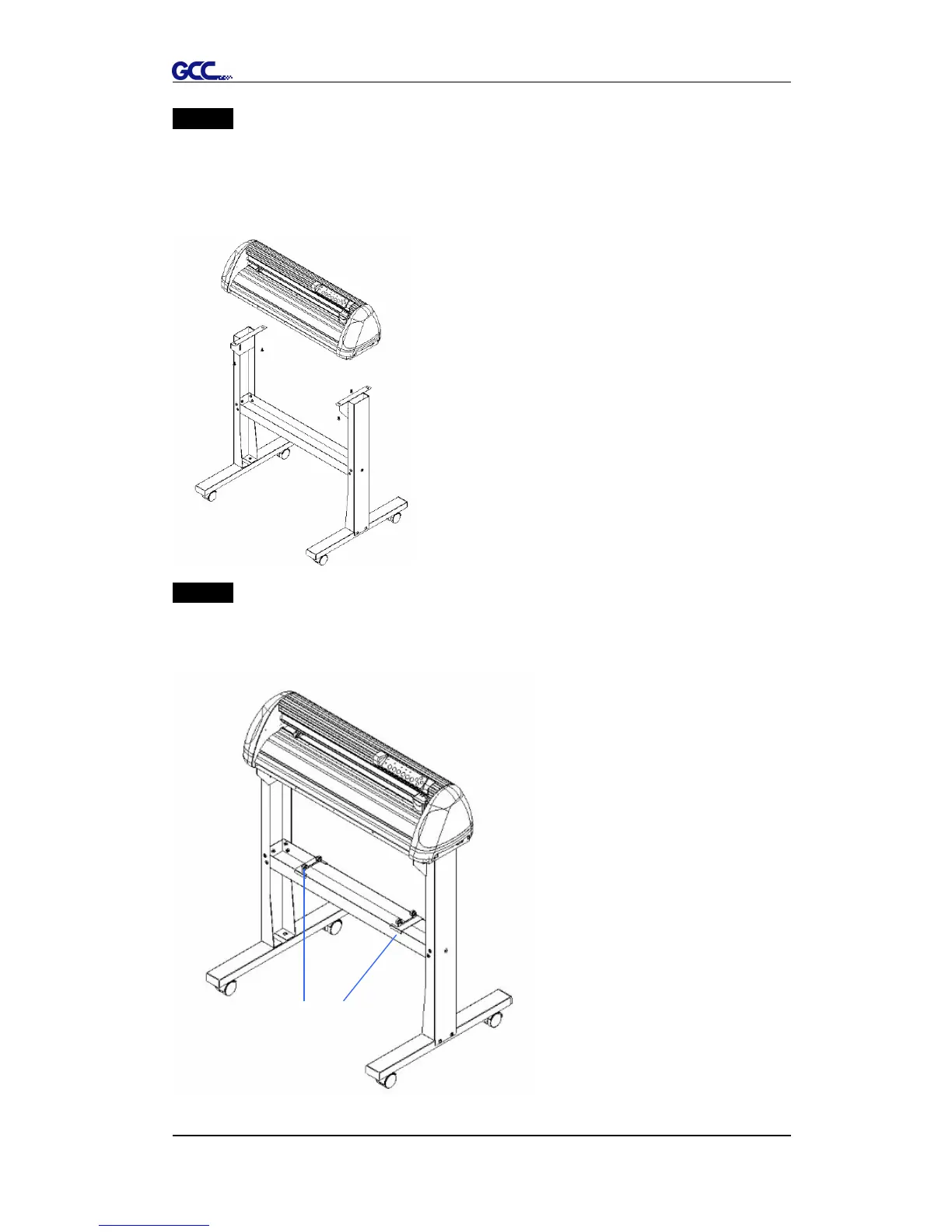
Remove the cutting plotter from the carton. Position the stand under the plotter,
and insert the screws into the holes on the bottom of the plotter but do not
tighten them up as shown in Figure 2-4.
Step 6
Tighten the screws of step 3 and step 5. Place the sliding brackets for paper
takeup onto the stand beam.
Figure 2-4
Figure 2-5
sliding brackets for paper takeup














 To Next Page