Puma II User’s Guide 2-14
5. Move the pinch rollers to the appraise location and be careful that the pinch rollers
must be positioned above the grid drums.
6. Push the lever backward to lower down the pinch rollers.
7. Fixes roll media guide bushes on the roll holder to secure the roll media.
8. Turn on the power switch, and the tool carriage will size the media automatically.
Then the cutting plotter is ready to work.
9. Use the reverse steps to remove the media.
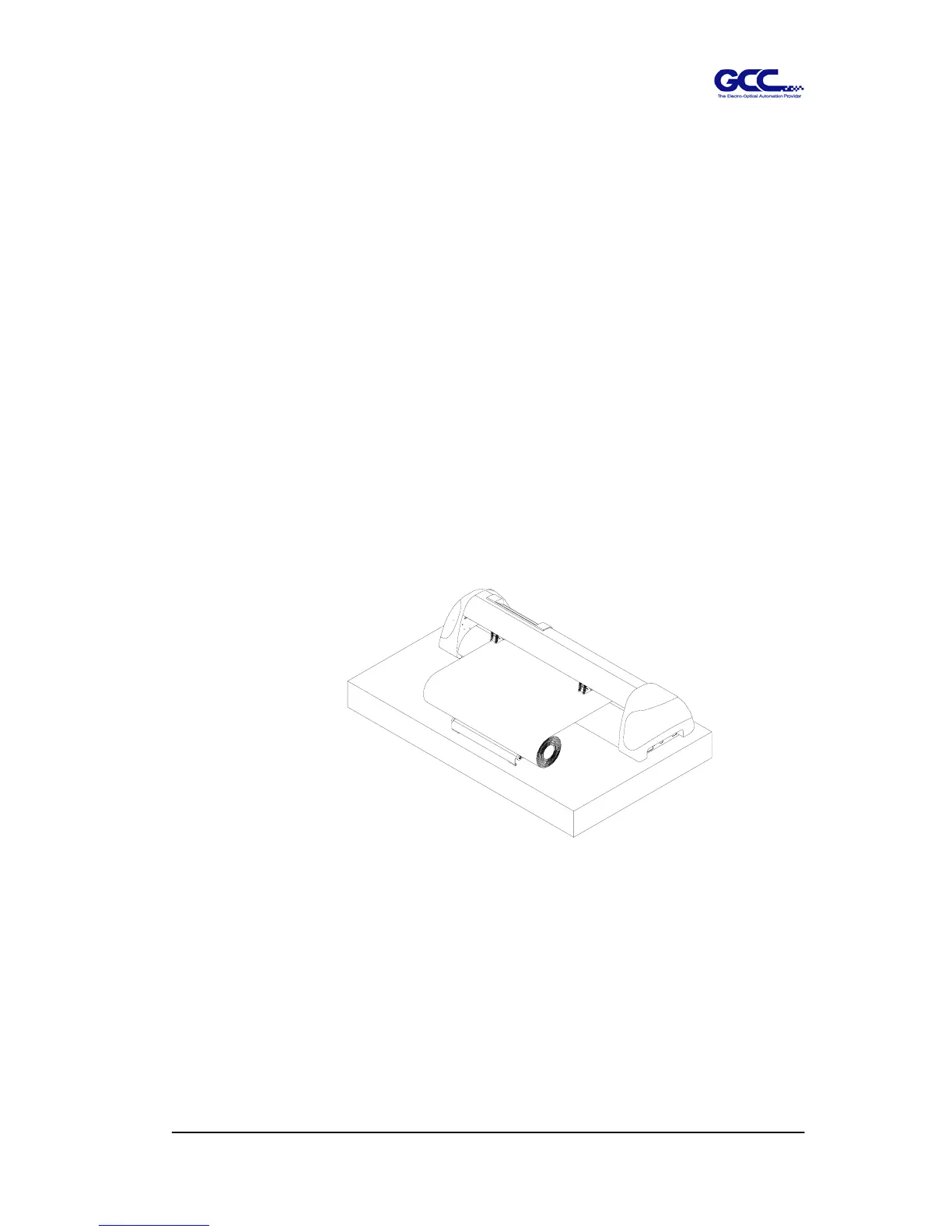
For the users of Puma PII-30 or PII-60, you can also use the Roll Base to
feed a roll media. Please adjust the position of roll base to get a good
cutting result. (Figure 2-22)
Figure 2-22



 To Next Page