17
Set your Language, Date/Time after the first power-on.
1. When the video camera is turned on by pressing the power button for the first
time, the video camera will enter language setting screen.
2. Press
to select language.
3. After pressing
button to select desired language, the video camera will
enter date/time setting screen.
4. Press
to select and choose field: month, day, year, hour and minute.
5. Press
to adjust value in the selected field.
6. Press
button to determine time setting, the video camera will enter
shooting screen.
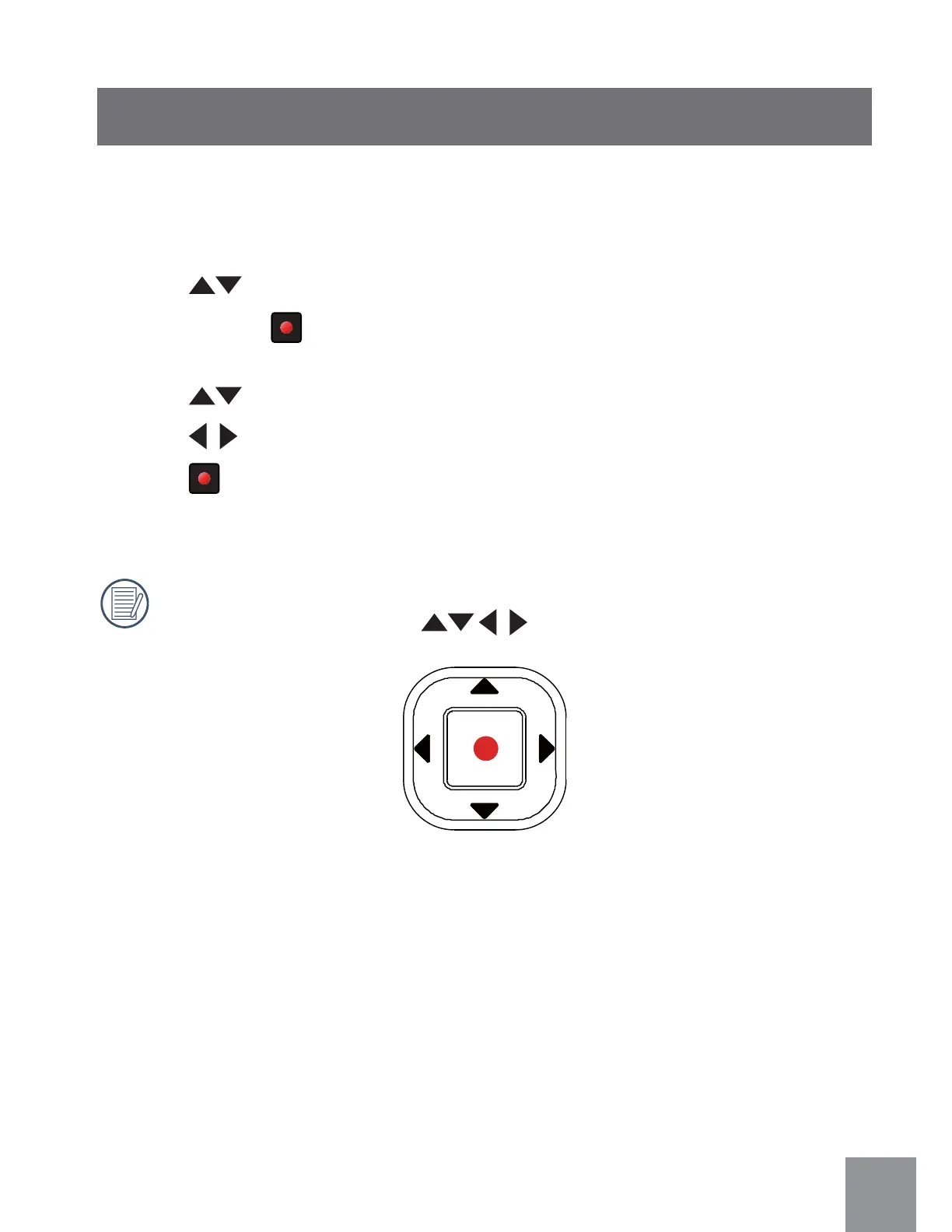
In this user manual, the direction button, Up/Down/Right/Left, are
respectively indicated with
Setting Language and Date/Time



 To Next Page