53
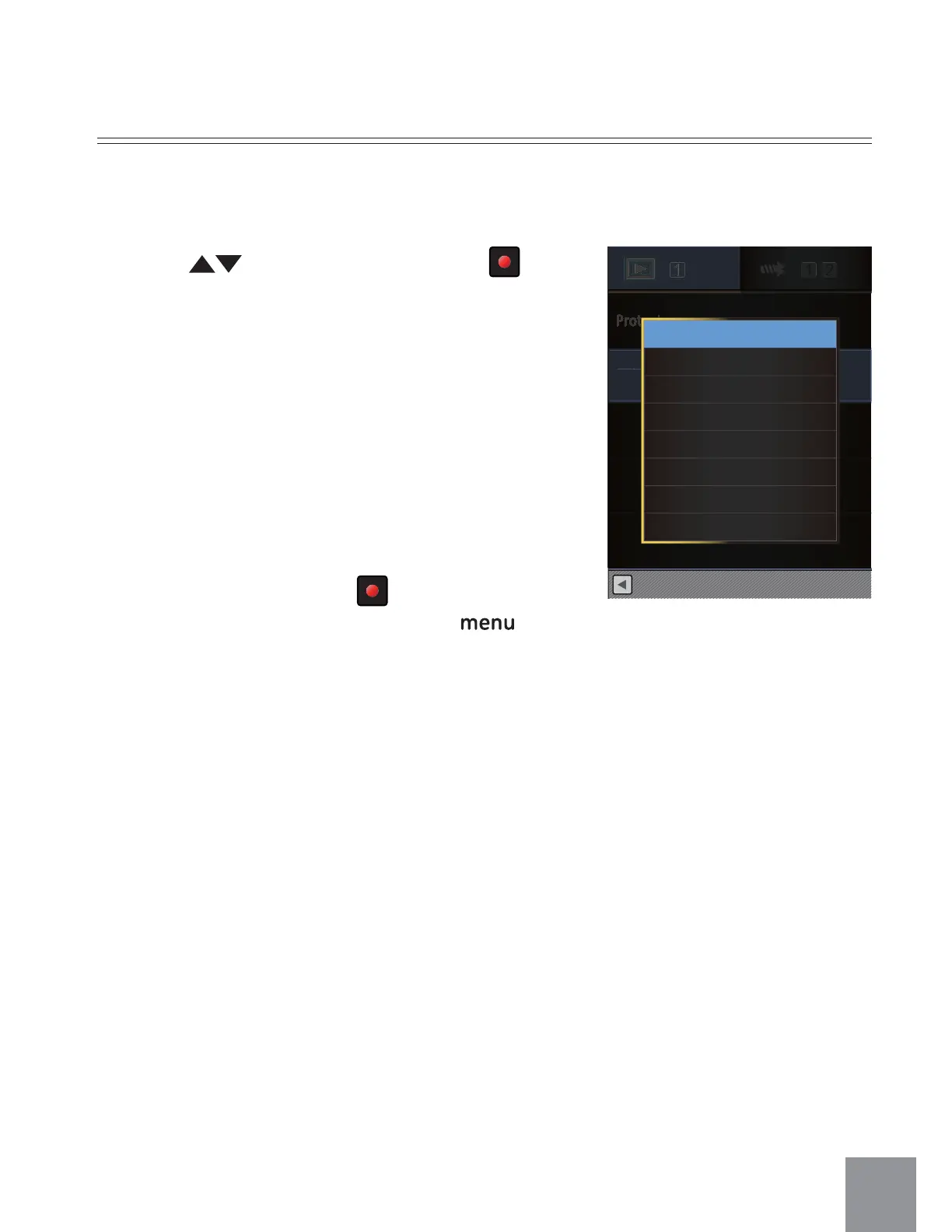
1. Press to select an option, press
button to enter Setting Interface.
3 options are available:
• One
Ȉ
Delete one photo or video.
• Date Folder
Ȉ
Delete all photos in the Date
Folder.
• All
Ȉ
Delete all photos or videos.
2. Select Sub-Menu, press
button to confirm;
and jump to the next image, press
button to return to playback screen.
Delete
You can delete one or all photo/video files.
Protect
DeleteDelet
Back
One
Date Folder
All



 To Next Page