33
MENU SETUP
Mode
Ȉ ġ
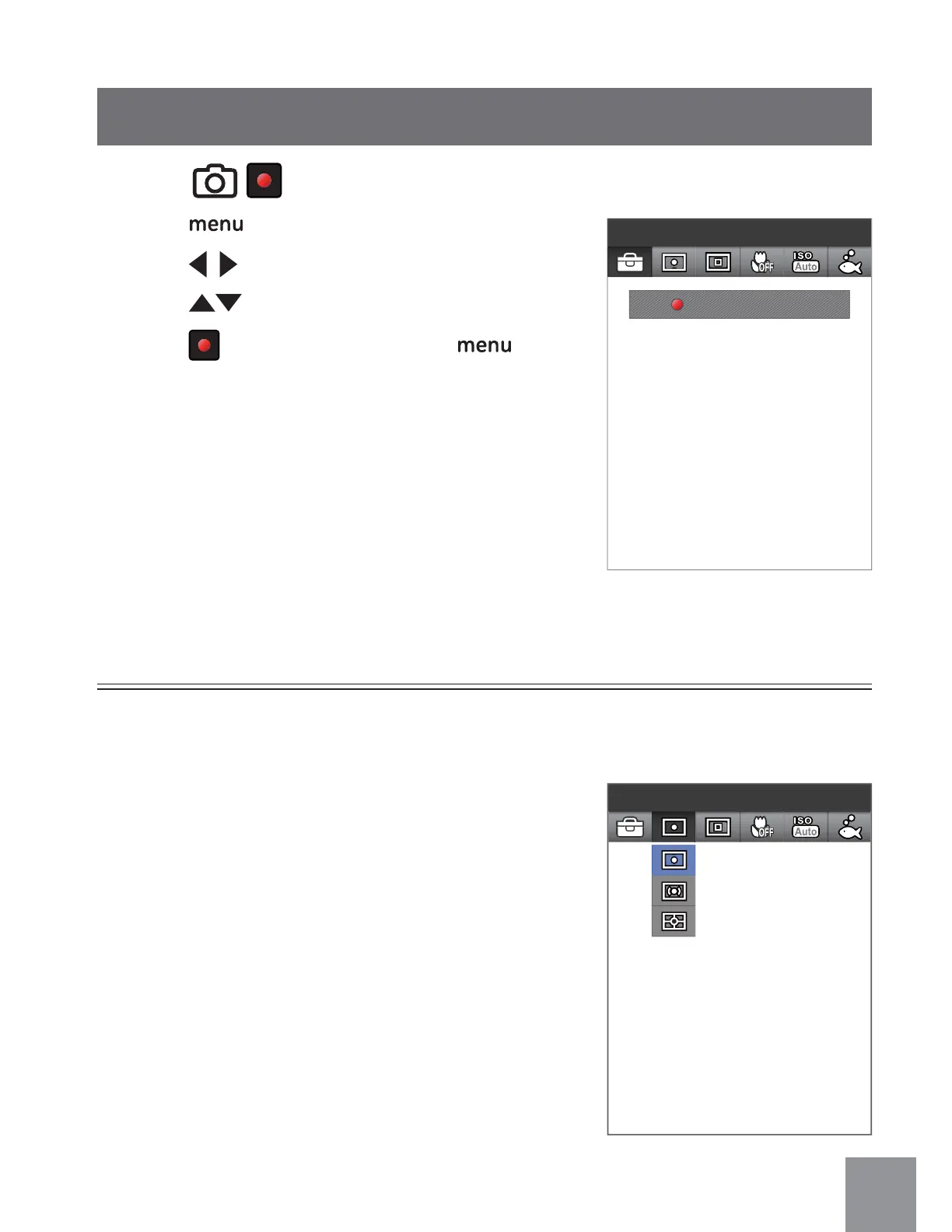
1. Press button to enter FUNCTION Menu.
2. Press
to select menu.
3. Press
to select an option in the menu.
4. Press
button to confirm, press button
to return to shooting screen.
FUNCTION Menu
Menu
Press to Enter
Expo Metering:Spot
Exposure Metering
3 options are available:
• Expo Metering: Spot - this selects one point
in the frame, usually at the center of the
frame, to determine correct exposure.
• Expo Metering: Center - this uses the center
of the frame to determine correct exposure.
• Expo Metering: AiAE - this uses multiple
areas of the frame to "intelligently"
determine correct exposure.
This specifies the area of the picture that the camera uses to correctly expose the
picture.



 To Next Page