48
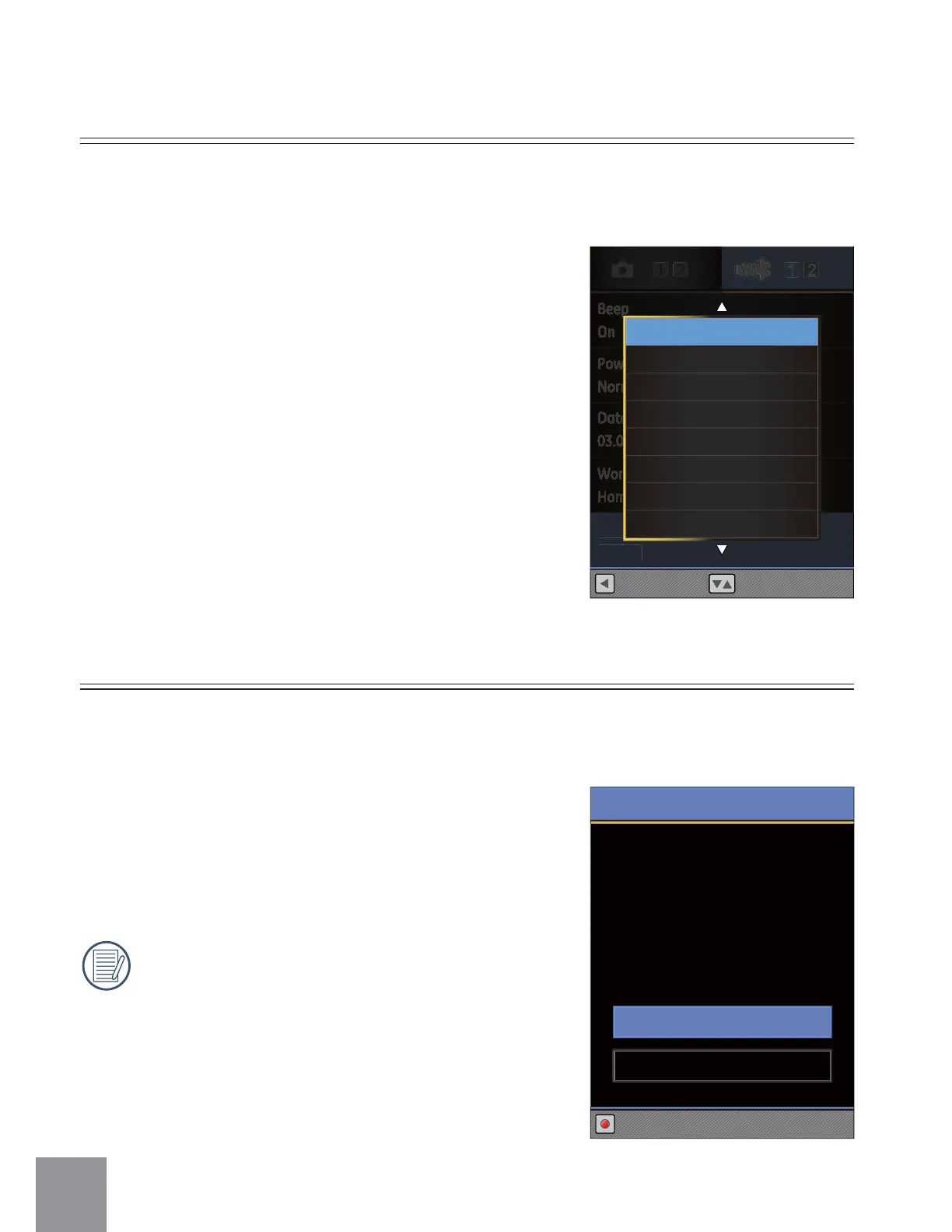
Language Setting
Refer to page 18 for language setting
Select this option to select different language display for the video camera.
Beep
On
Power Save
Normal
Date/Time
03.06.2012 09:00
World Time
Home
Language
English
Select
anguage
n
is
Back
English
Français
Español
㷼ᄙⱥ
Italiano
ᖅᡝϛМ
ᙏᡝϛМ
Рҏᇭ
Format Memory
2 options are available:
• Cancel
• Confirm
When there is no memory storage card in
the camera, Format Memory will format
the video camera's internal memory. If
there is a memory card in the camera,
Format Memory will only format the
memory storage card.
Use Format Memory function will delete all data in the storage card and internal
memory.
Format
Doing so will clear all data.
Cancel
Set
Confirm



 To Next Page