39
Photo Setup
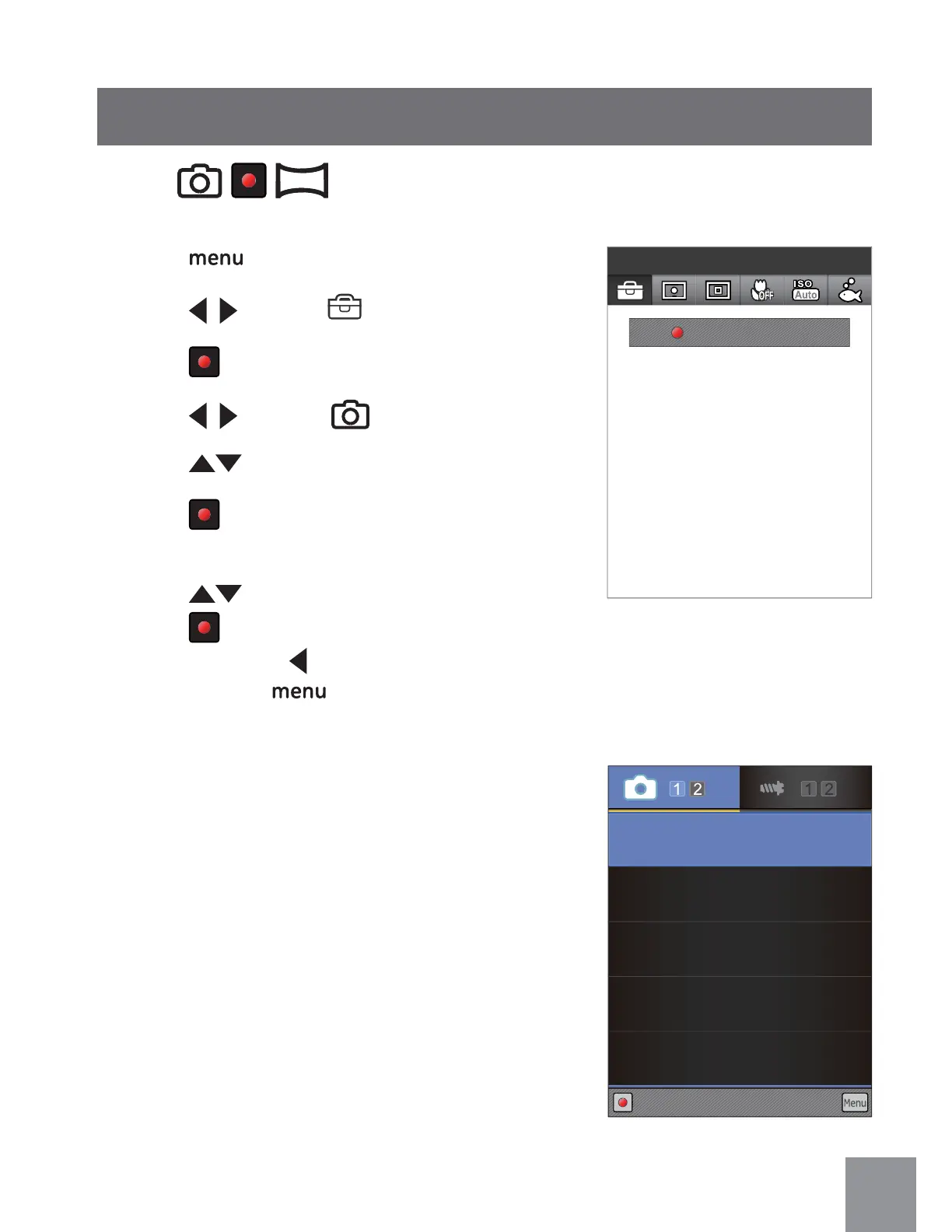
1. Press button to enter Function Menu.
2. Press
to select menu.
3. Press
button to enter Setting interface.
4. Press
to select
ġ ġ
menu
į
5. Press
to select an option in the menu.
6. Press
button to enter the setting
interface of selected option.
7. Press
button to select function option,
press
button to confirm and return to
the menu; press
button to return to the
menu or press
button to return to the
shooting screen.
Mode:
ġ ġ
Size
14M
Quality
Best
Anti-shake
On
Continuous AF
On
DISP
On
Set
Exit
Menu
Press to Enter



 To Next Page