20
BASIC OPERATION
Movie Recording
1. Press Power button to turn the video camera on.
2. Press
ġ ġ
button to begin taking video.
3. Press
ġ ġ
button to end the video shooting.
This function can take movies.
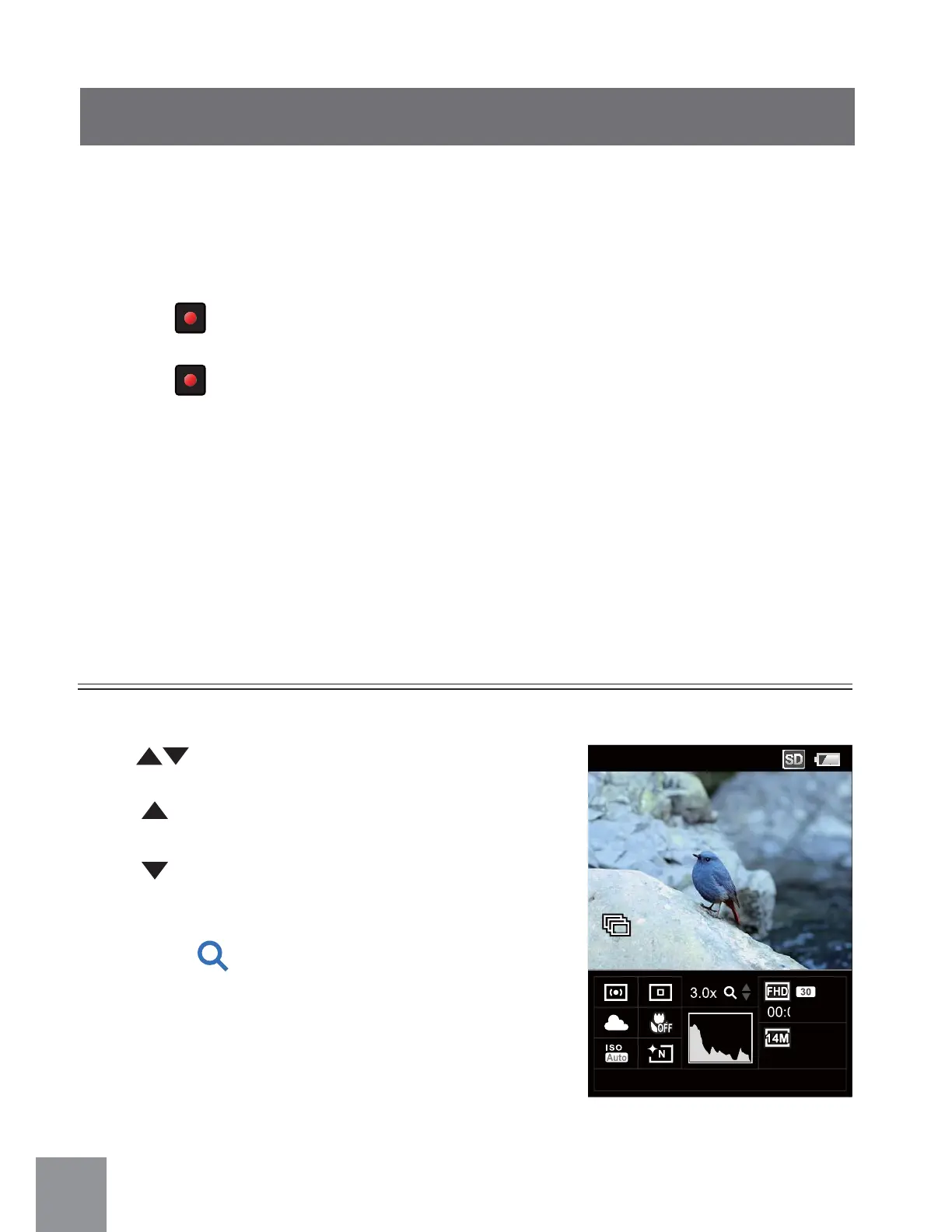
Zoom Function
Press button to zoom in or zoom out:
•
Ȉ
Zoom in
•
Ȉ
Zoom out
When zoom ratio is changing, zoom will display
as blue icon
.
00:01:23
1234
13:11
3.0x
03-01-2012



 To Next Page