32
1. Press button to return to the Playback
Mode (Playback Screen / Thumbnail / Date
Folder / Date Folder Thumbnail).
2. Press
button to select the photo/
video to be deleted.
3. Press
button to display the information to
be deleted on the screen.
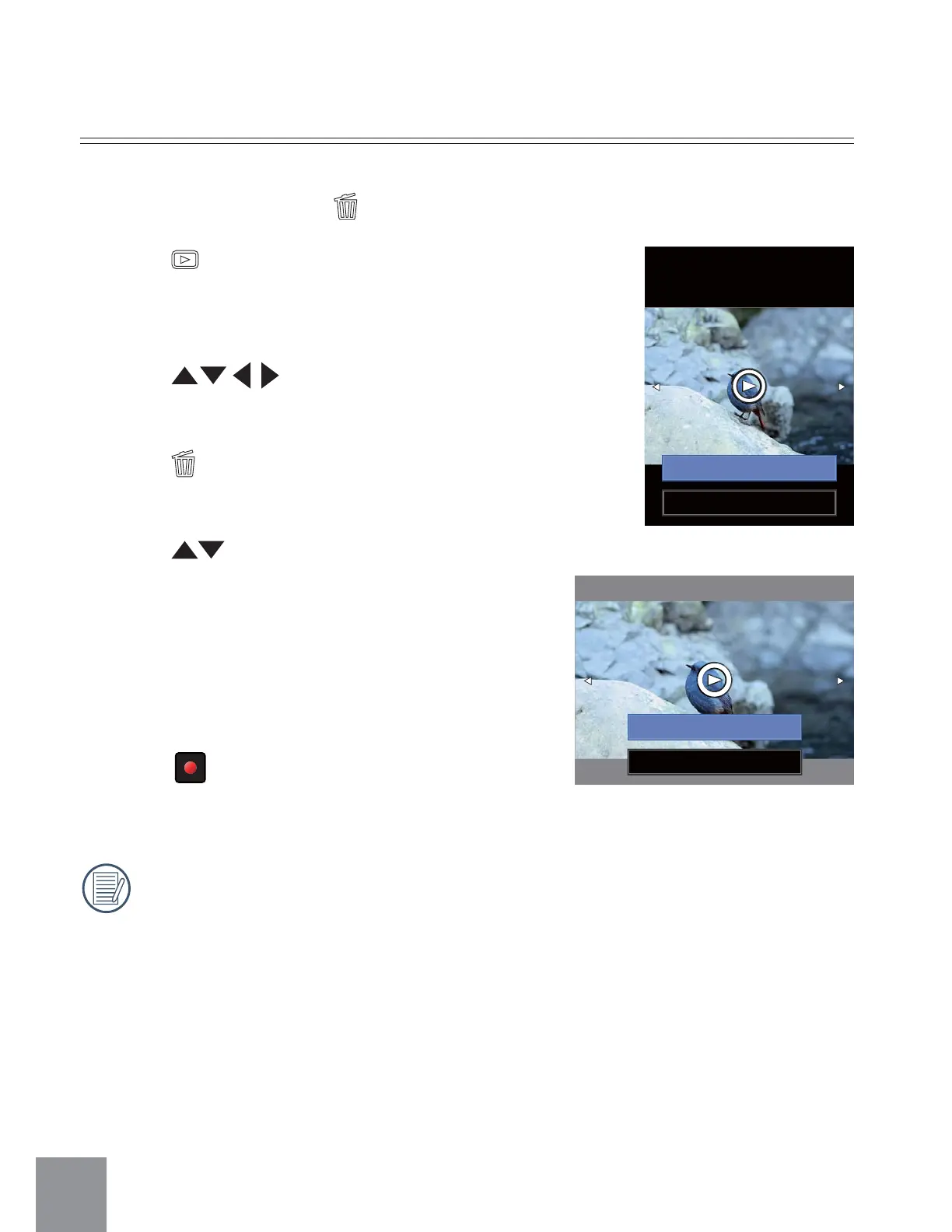
4. Press button to select Delete one or
Exit:
ȶ
Delete one
ȷ
: Deletes the current
selected photo/video;
ȶ
Exit
ȷ
: Returns to the previous
screen.
5. Press
ġ
ġ
button to save setting and return
to Playback Mode.
Erased photos/videos cannot be recovered.
Delete Photos and Videos
In the Playback Mode (Playback Screen / Thumbnail / Date Folder / Date Folder
Thumbnail) Mode, pressing
button will delete the current selected photo/video.
Delete One
Exit
Delete One
Exit



 To Next Page