24
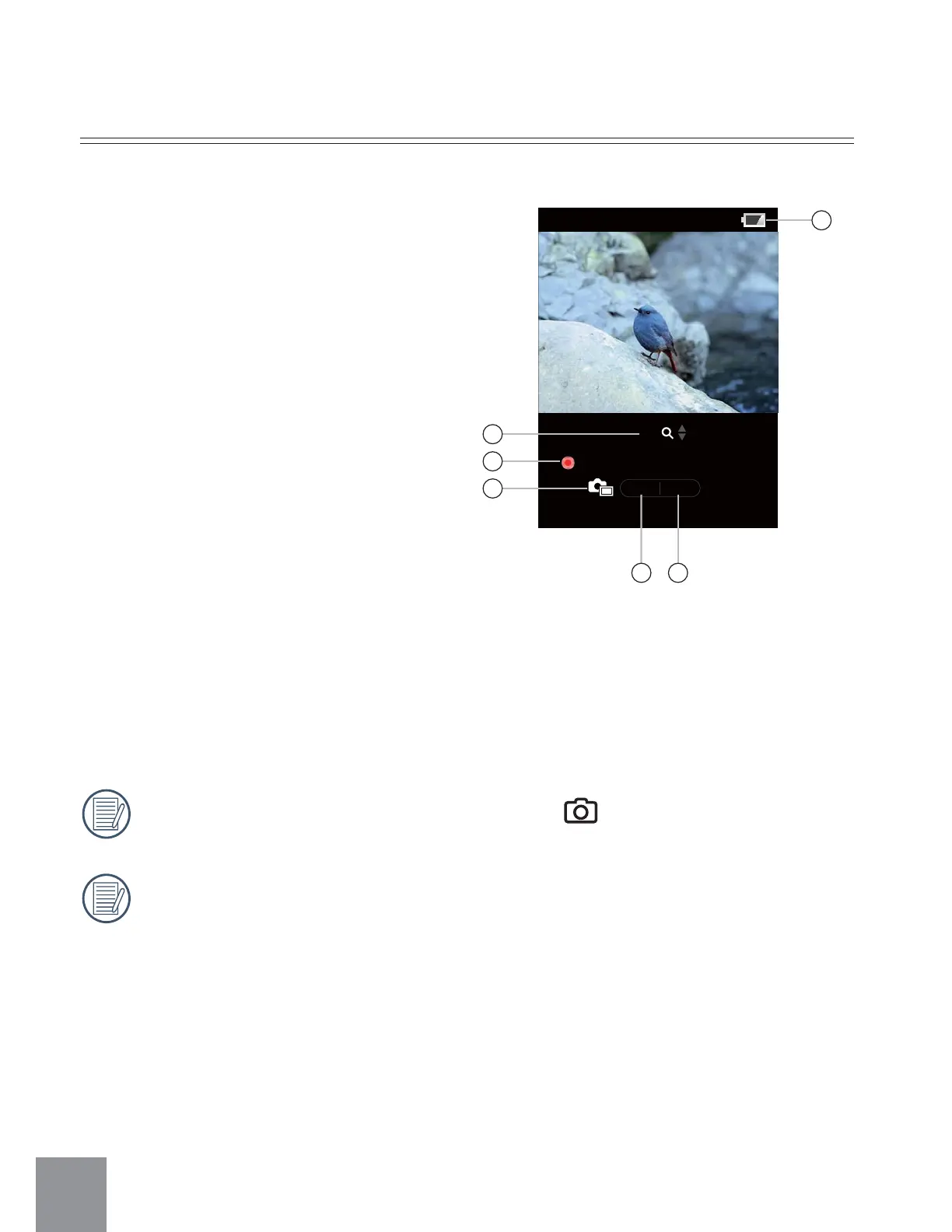
Video Recording:
1. Zoom Level
2. Duration of recording/video
shooting time.
3. Display for shooting still pictures
while recording
4. The number of photos that have
been taken
5. The number of available photos
remaining
6. Battery status indicator
During the process of recording video, press
button to take photos.
During use of this function, the number of shots is limited by the file size of
the single frames.
00:00:23
13 13
1x
6
1
2
3
4 5



 To Next Page