36
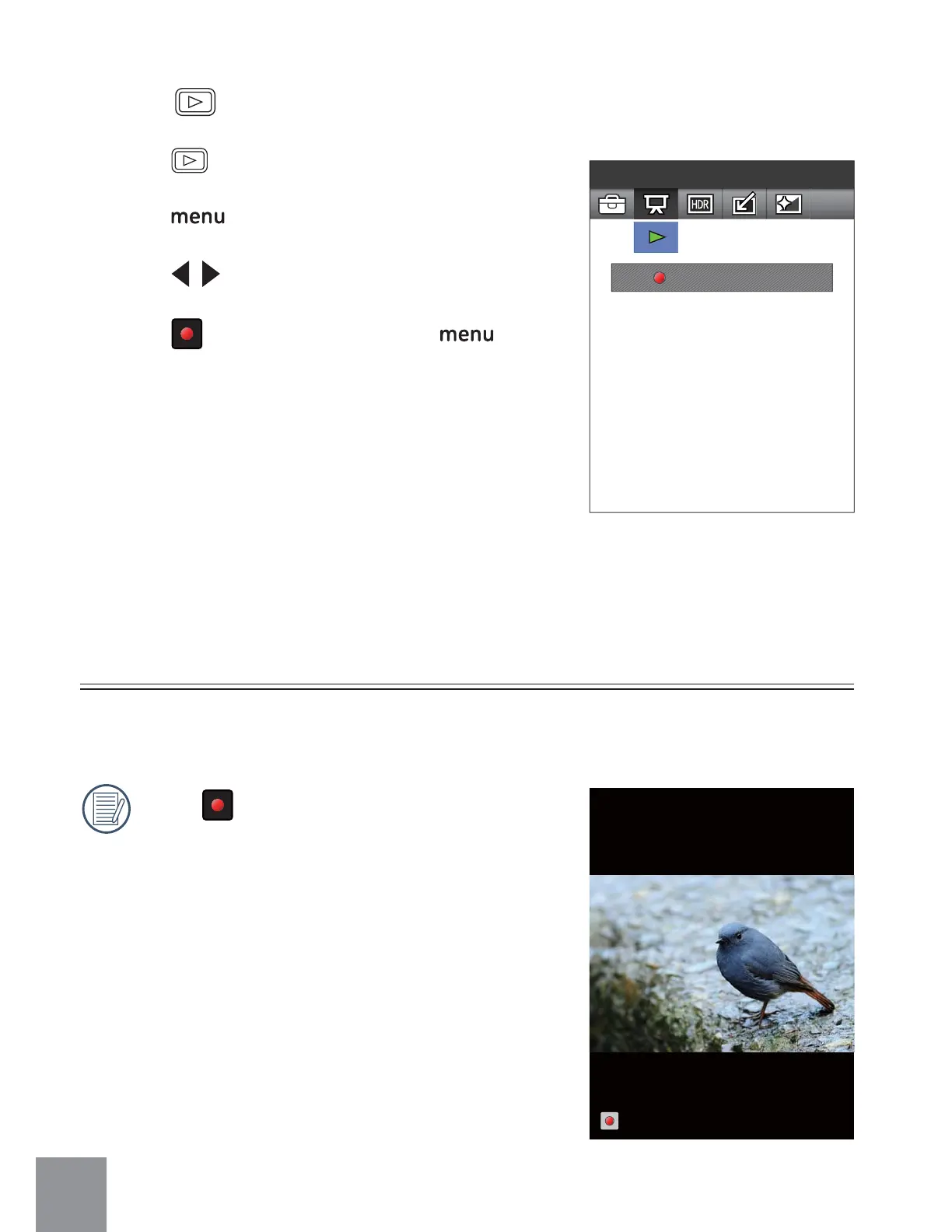
Play Slide Show
Press to Enter
Slideshow
Pressġ ġbutton again to stop playing.
This setting allows you to view all the stored pictures as a slideshow.
Stop
Mode
Ȉ
ġ
1. Press button to enter the Playback Mode.
2. Press
button to enter Function Menu.
3. Press
to select Function Menu.
4. Press
button to confirm, press button
to return to playback screen.



 To Next Page