56
Connecting to a Computer with USB
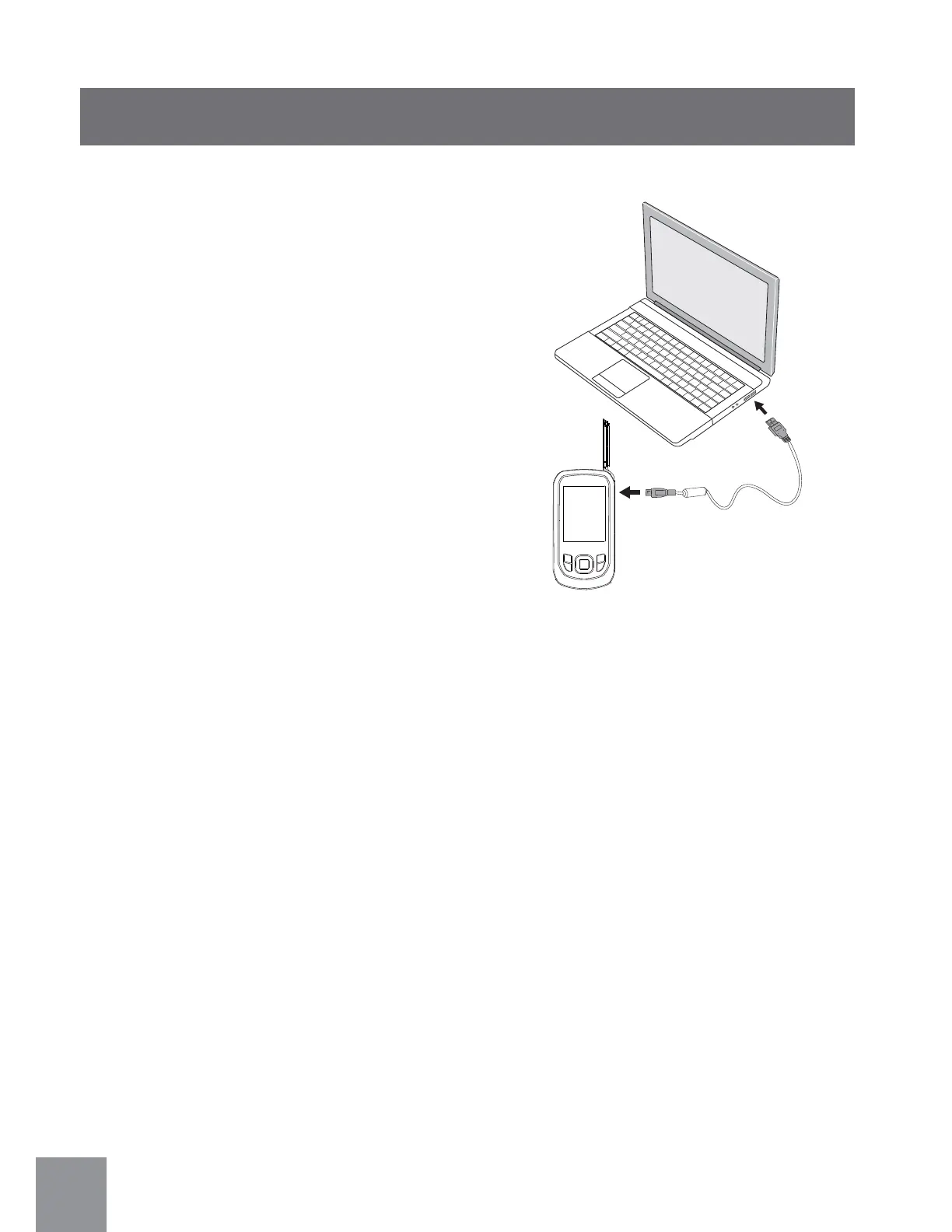
Copy photos and videos in the video camera to a
personal computer by following these steps:
1. Open USB/HDMI port cover.
2. Use USB cable to connect the video camera
and computer.
This video camera supports (Windows 2000,
Windows XP, Windows Vista, Windows 7, Mac).



 To Next Page