55
Enter the Playback Screen:
Press
button to select the previous/next
photo/video:
•
Ȉ
Photo
•
Ȉ
Video
Press
mode buttom,enter Function Menu,
then press
select slide to play
ĭġ
Press
button to start /stop slide playback.
When the video camera is connected
with the HDTV successfully, the playback
screen will display on the TV.
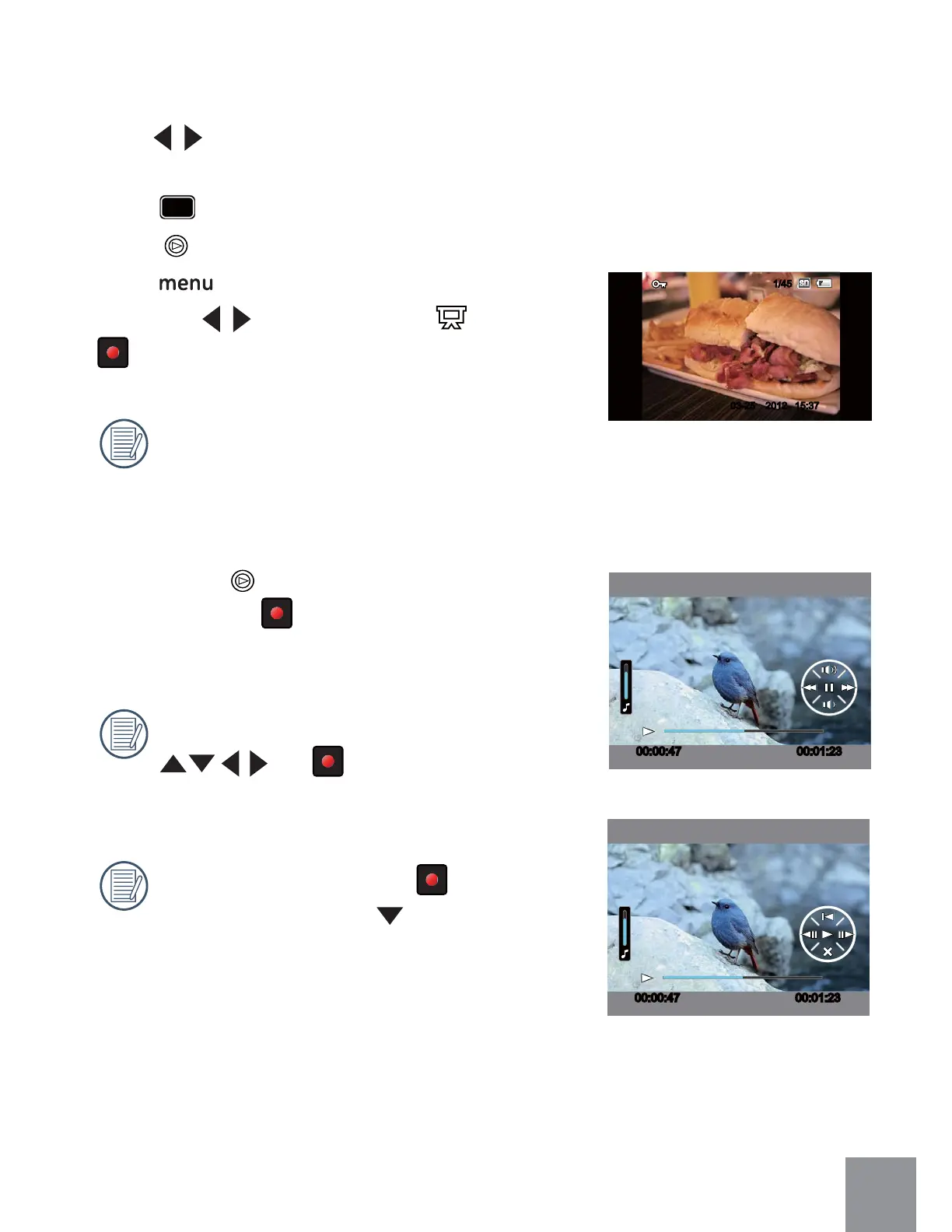
When video (
ġ
) files appear on the Playback
Screen, pressing
ġ
ġ
button will start/stop
playing the video.
When playing video, the functions of
and
ġ
ġ
are the same as playing
back video in the video camera (refer to P28).
When playing video, press
ġ
ġ
button to
pause first, then press
button to return
to the Single Playback Screen.
00:00:47 00:01:23
00:00:47 00:01:23
201203-25 15:37
1/45



 To Next Page