28
Preview Photos and Videos
PLAYBACK
00:00:47 00:01:23
00:00:47 00:01:23
4
5
1
2
3
4
5
1
2
3
You can view photos and videos either vertically
or horizontally when in playback mode.
1. Press
button.
2. Vertical: Press
button to select the
previous /next photo /video;
Horizontal: Press
button to select the
previous /next photo /video.
3. Play the selected video, press
button to
enter the playback mode.
Video:
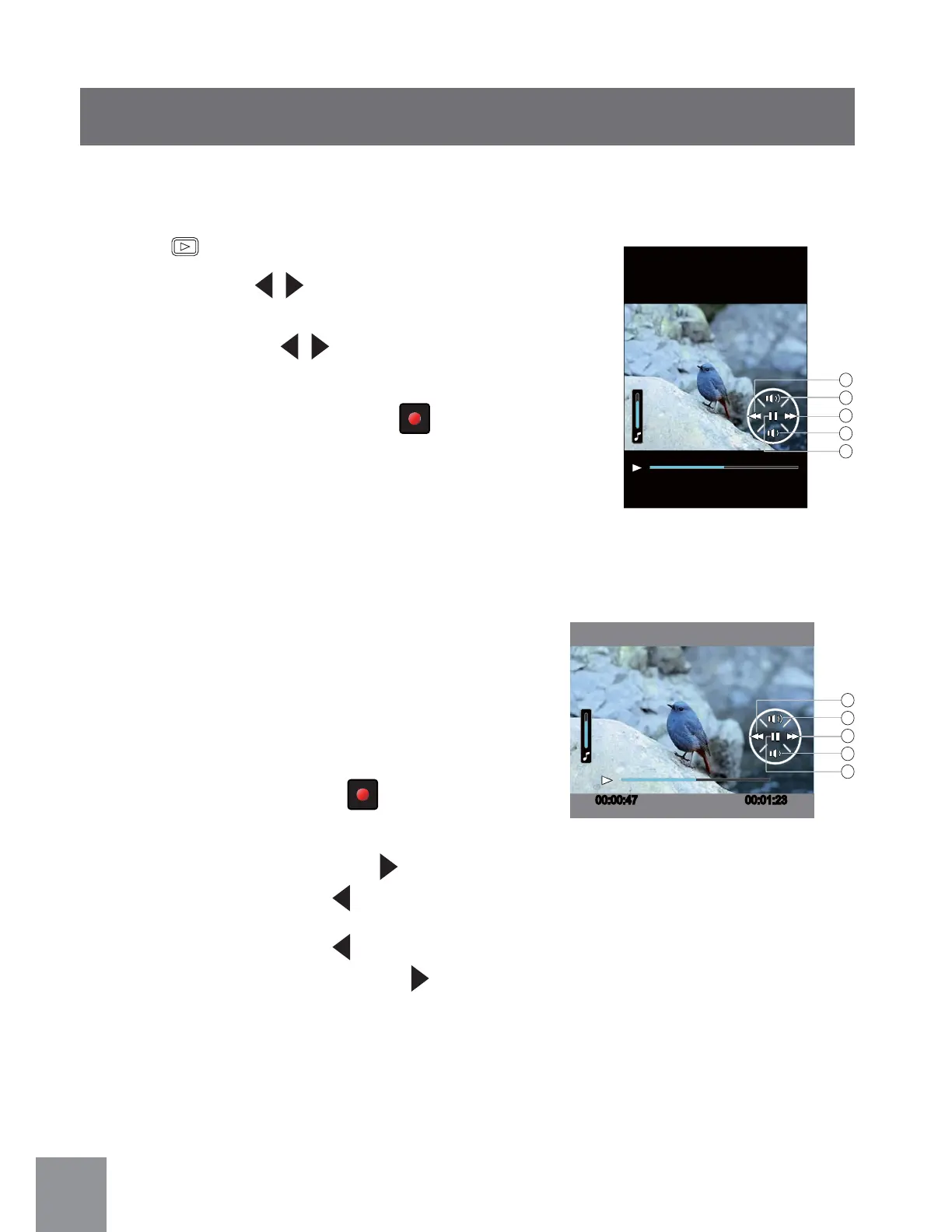
In the playback mode, each button description is
shown as follows:
1 Fast Rewind 4 Decrease Volume
2 Increase Volume 5 Pause
3 Fast Forward
When playing videos, the operation guide will
appear on the screen. Press
button to play or
pause.
While the video is playing, press
button to fast
forward the video, or press to fast rewind it.
In the Pause Screen, press
button to switch
to the previous frame photo; press button to
switch to the next frame photo.



 To Next Page