30
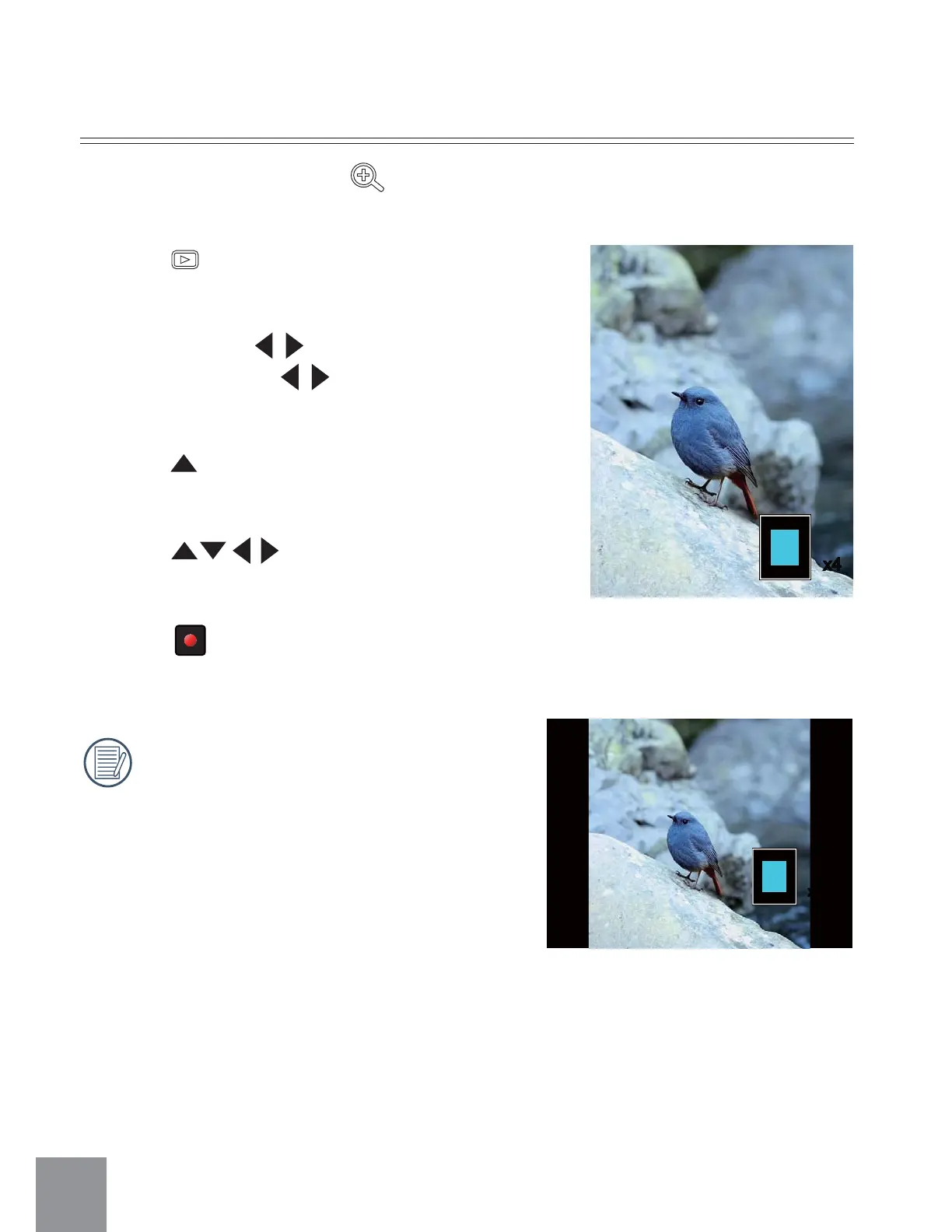
Zoom In Photos
1. Press button to return to the Playback
Mode.
2. Vertical: Press
button to select a photo;
Horizontal: Press button to select a
photo.
3. Press
ġ
button to magnify photos up to 4x
See note below.
4. Press
button to move the position
of display area.
5. Press
ġ
ġ
button again to return to the
Playback screen (the original size).
Zoom function can only be used on
still images. It is not possible on video
playback.
In the playback mode, using
can magnify the photo up to 4X.
x4
x4



 To Next Page