102 PMCS Interface Toolkit
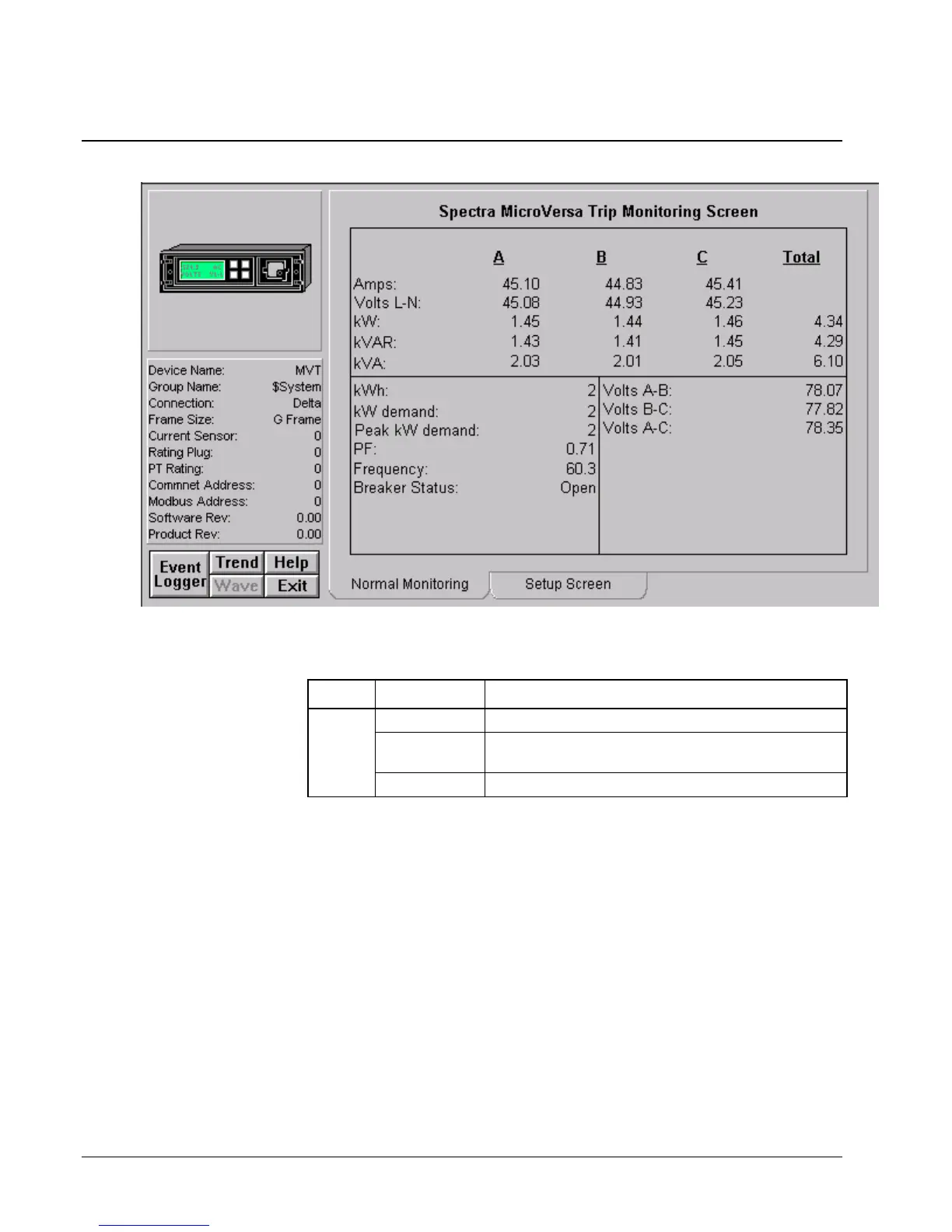
Spectra MicroVersaTrip
The Spectra MicroVersaTrip Tabular Data Screen wizard provides the following
command buttons on the Setup screen:
Tab Button Function
Setup Download Downloads the energy demand interval to the DDE Server
Refresh Loads the energy demand interval from the DDE Server
into the screen display
Clear Demand Clears the accumulated energy
Table 13. Spectra MVT Tabular data screen commands.
Another feature to bear in mind when working with the Spectra MicroVersaTrip
tabular wizard is:
• The data entry field for the energy demand interval can be set to values
of 5 to 60 minutes in increments of 5 minutes.



 To Next Page