220 PMCS Interface Toolkit
The tab shows frequency and number of phases on source:
• Position Status
• Phase Rotation
The status for Source is displayed as Available (displayed in green) or Not Available (displayed in red). The Position
Status is displayed as Normal (displayed in green) or Emergency (displayed in red). The Phase Rotation is displayed as
ON (displayed in green) or OFF (displayed in red).
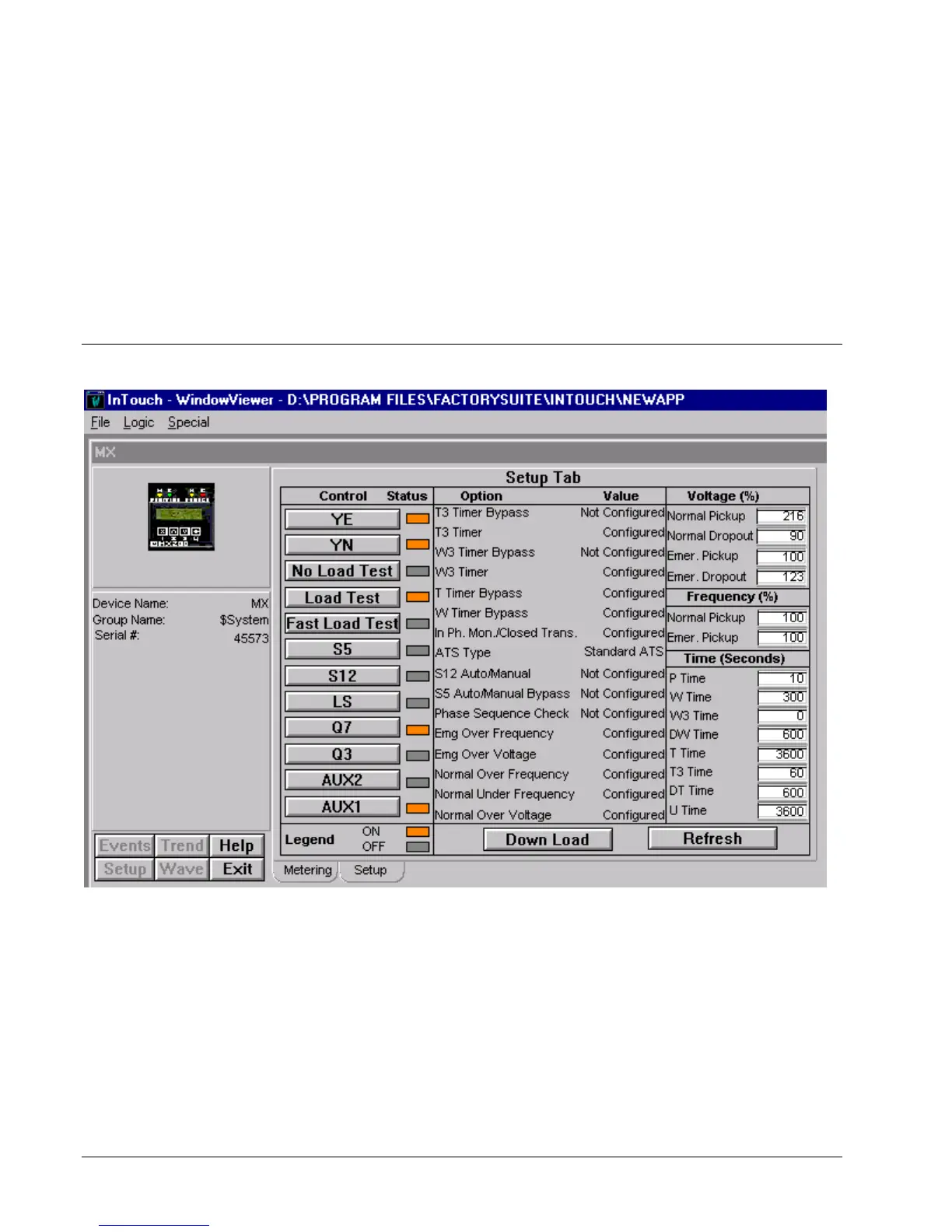
Setup Tab
The Setup tab displays the following demand values from MX 200 device.



 To Next Page