6 PMCS Interface Toolkit
Small Faceplate Wizards
Usage
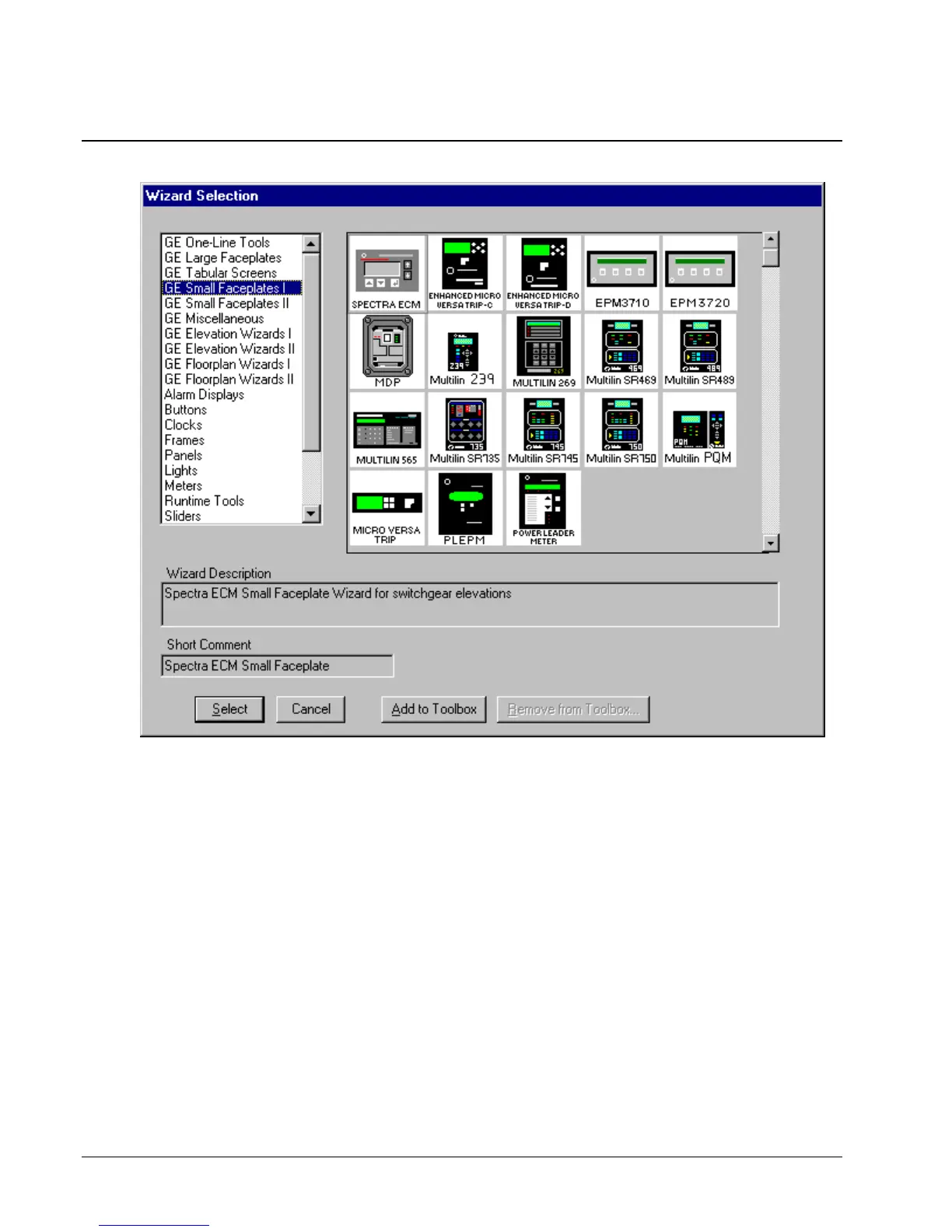
The Small Faceplate wizards are icon-sized graphics typically used to create accurate
elevation views and one-line diagrams. These wizards are provided with logic to
open another window, typically either a Large Faceplate or Tabular Data Screen
wizard. There are two palettes of Small Faceplates to choose from.
Configuration
In development mode, after placing the Small Faceplate, double-click on the icon to
open the Small Faceplate Dialog box, as illustrated below. Typically, a Small
Faceplate wizard is linked to a window containing either a Large Faceplate or a
Tabular Data Screen wizard. You can move or resize Small Faceplate wizards in the
window as desired.



 To Next Page