145
• Average RMS Current Sliding Window Demand and Predicted Demand
Thermal Demand
• Real Power Thermal Demand
• Reactive Power Thermal Demand
• Apparent Power Thermal Demand
• Average RMS Current Thermal Demand
The Demand tab also provides push buttons for performing the following commands:
Reset Energy – Resets Energy Demand values identified above.
Reset SWD– Resets Sliding Window Demand values identified above.
Thermal Demand – Resets Thermal Demand values identified above.
Inputs Tab
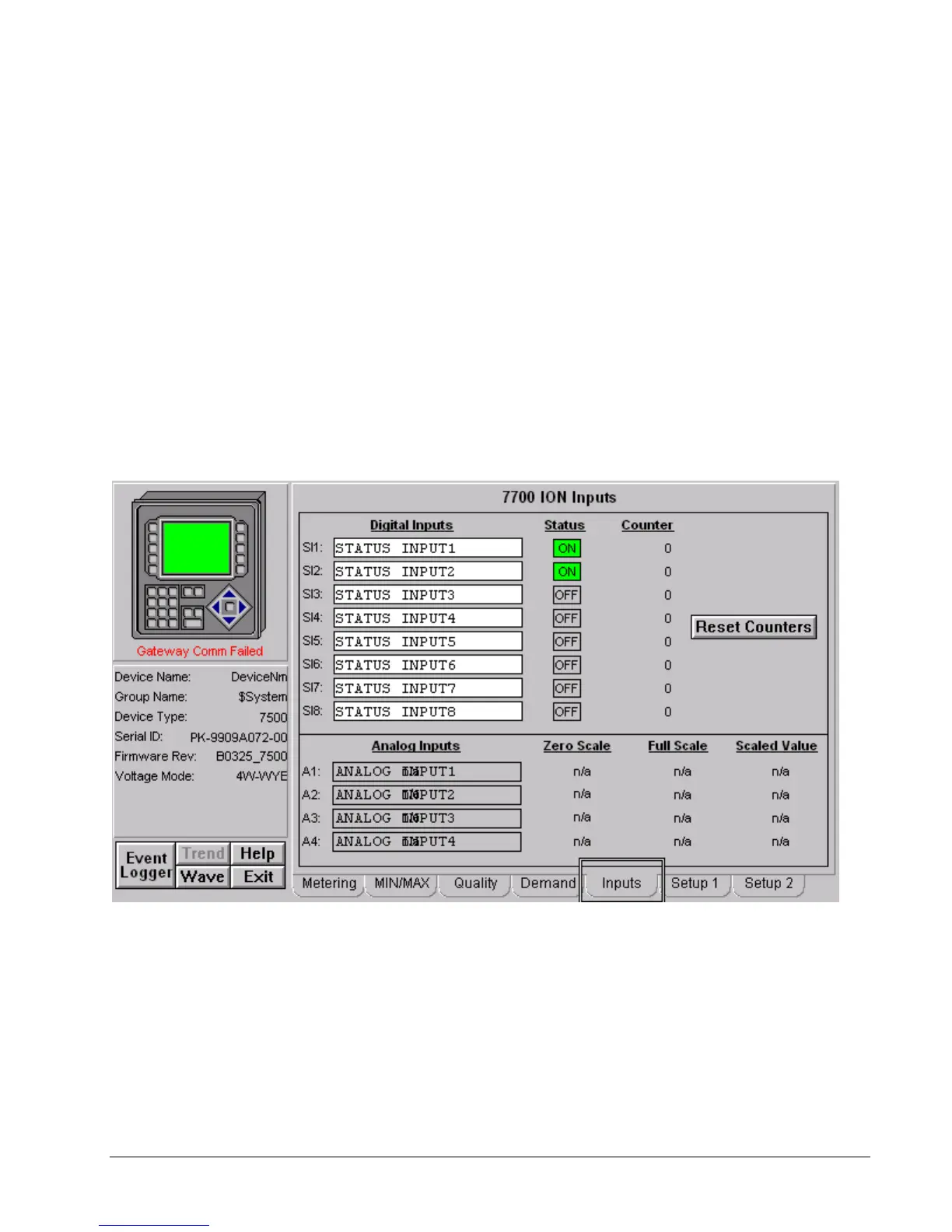
EPM 7700 ION Meter - Inputs Tab
The Inputs tab displays the following values from the EPM 7700.
Digital Inputs
• Status (On, Off) for Status Inputs (SI) 1-8. (Color Code: Green – ON,
Grey – OFF).
• Counters for SI1-8.
Analog Inputs
• Zero Scale Setting for AI1-4. : n/a when doesn’t exist on the meter



 To Next Page